Budgy
Private budgeting · coming soon

Every euro is planned.

Budgy is the friendly budget that tells you what you can safely spend today, and keeps your money data on your phone, not on a server.

Download on theApp StoreLaterGet it onGoogle PlayLater
  • No bank login
  • No ads, no tracking
  • Your data stays on your phone
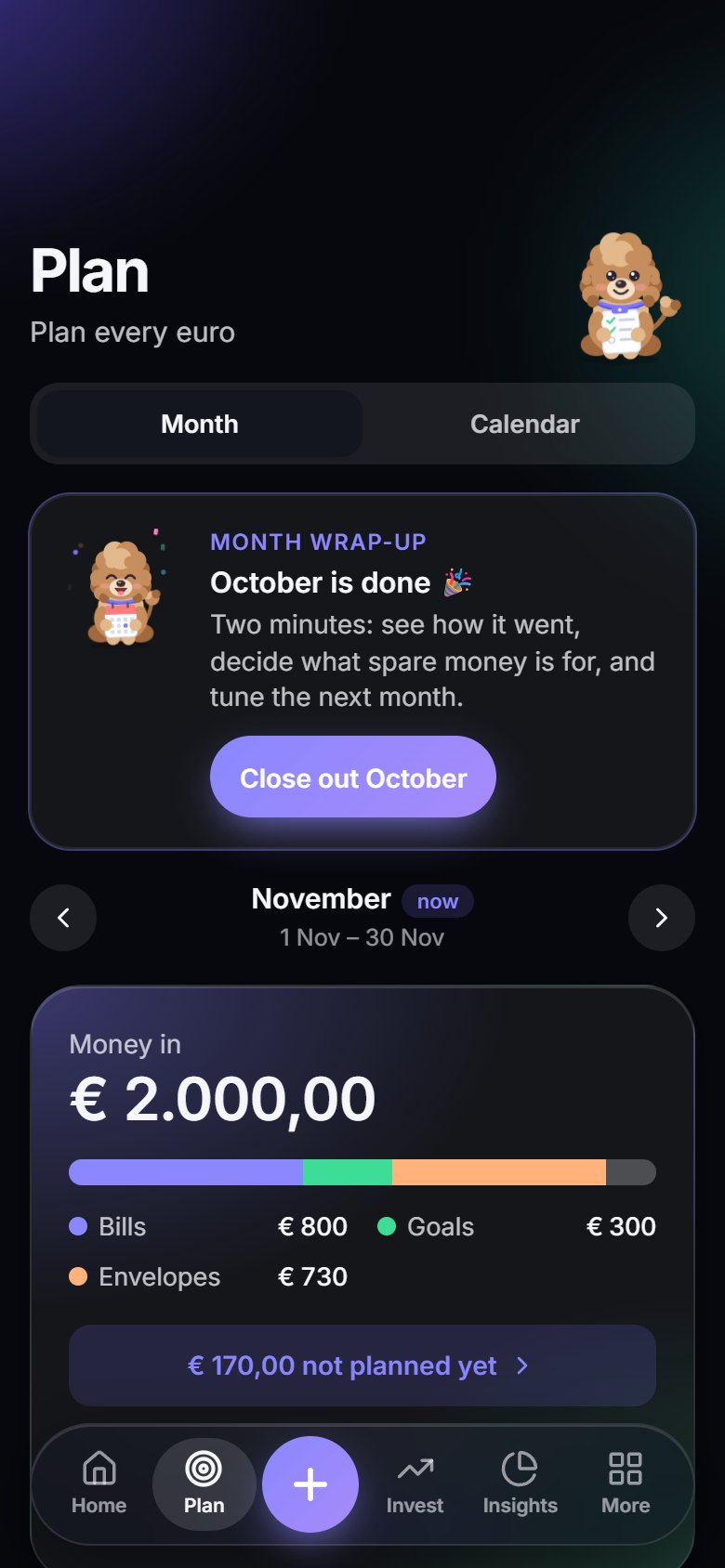
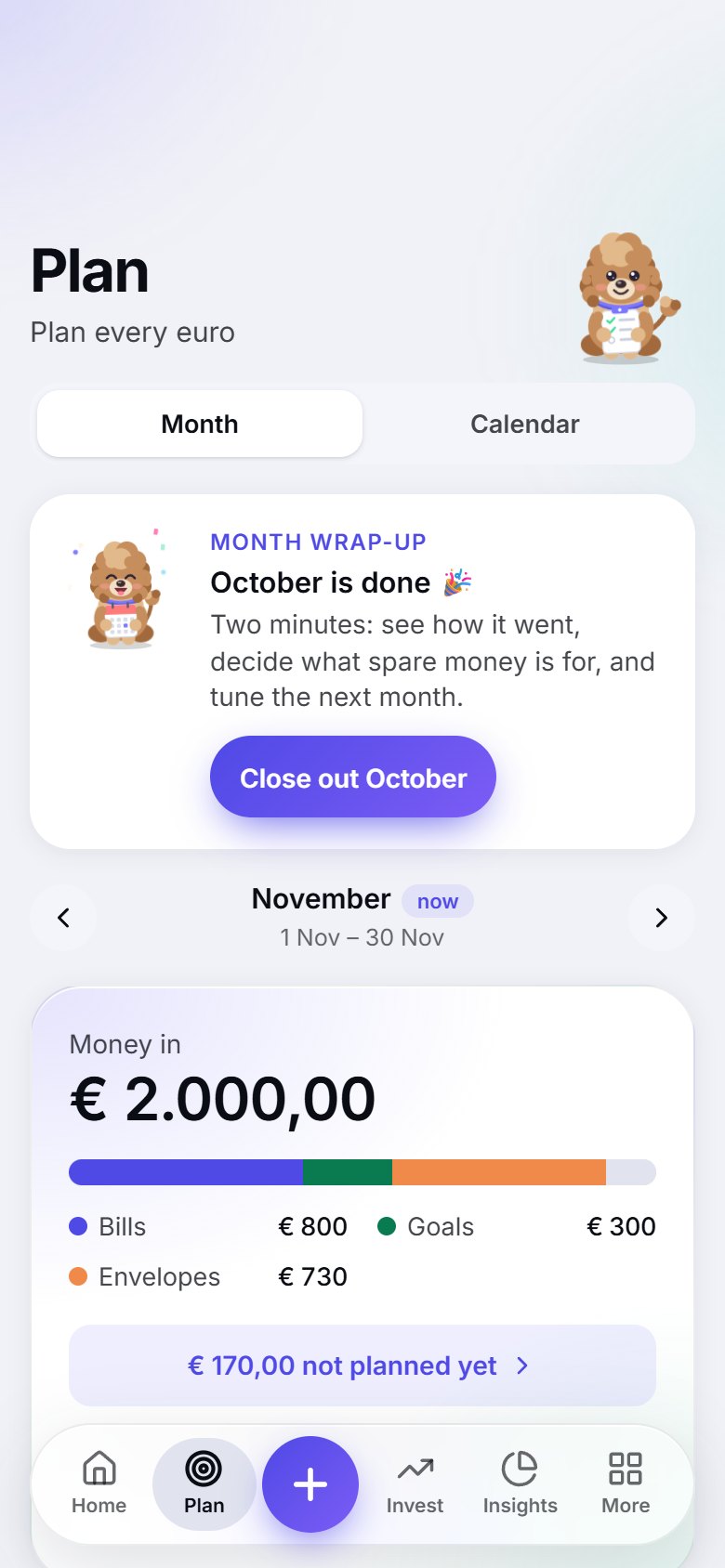
The Budgy plan screenThe Budgy plan screen
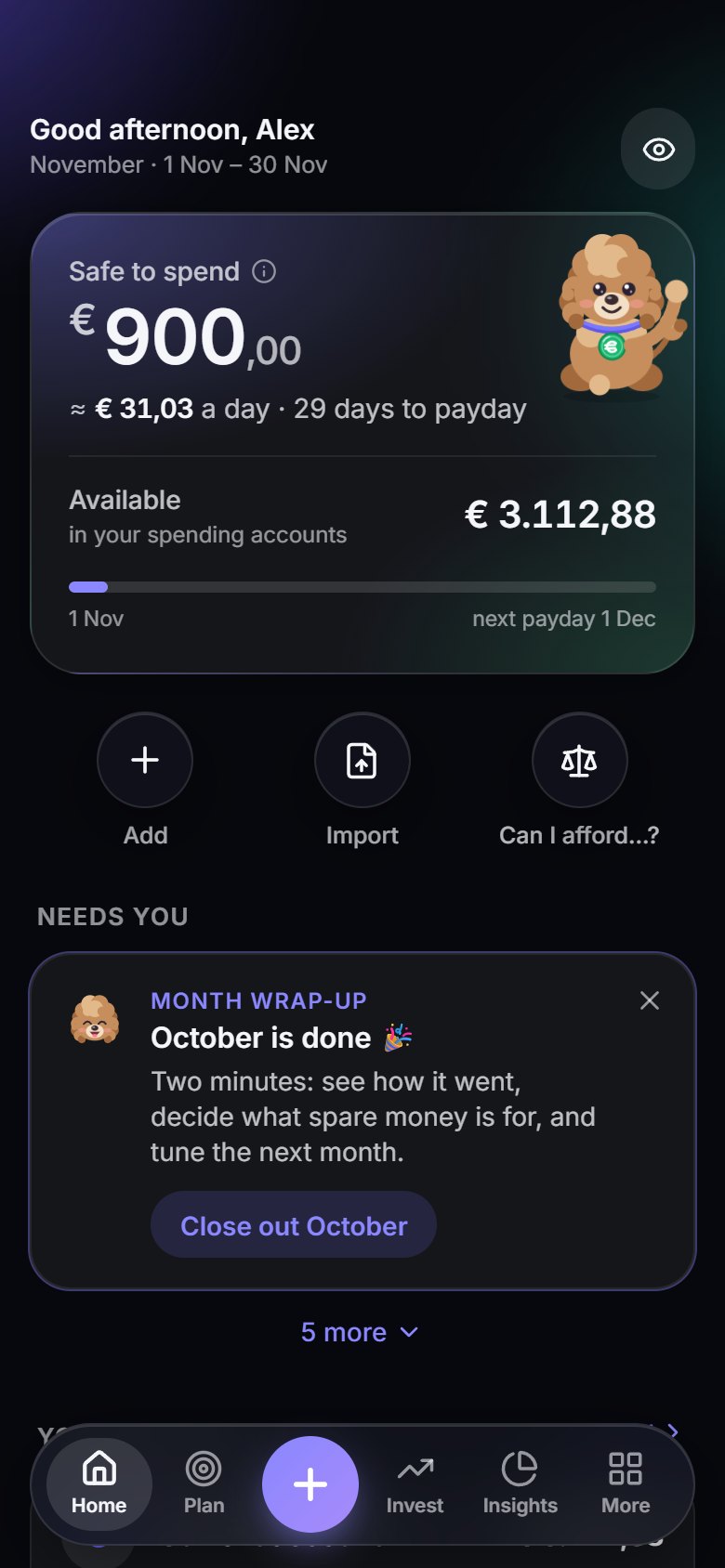
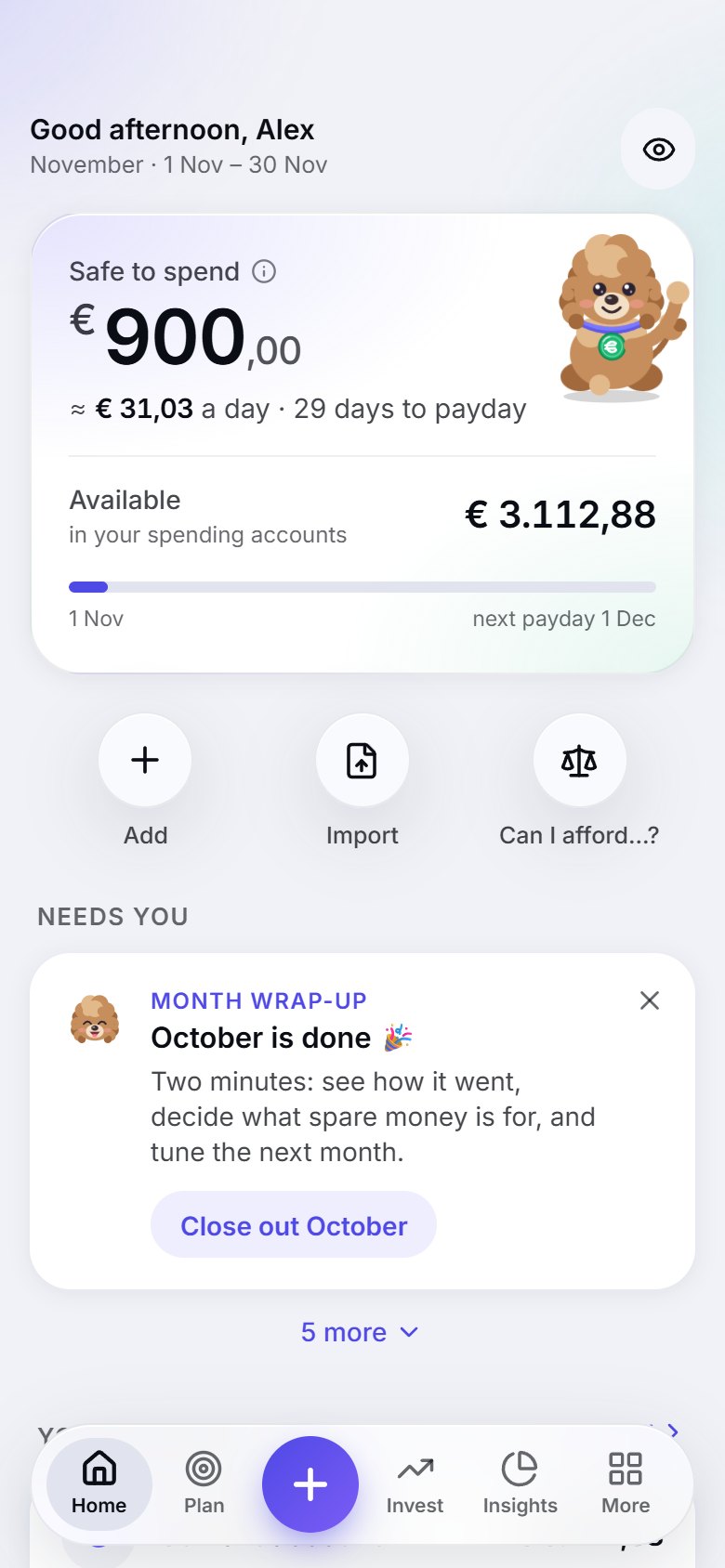
The Budgy home screen showing what is safe to spend todayThe Budgy home screen showing what is safe to spend today
The Budgy forecast screenThe Budgy forecast screen
How it works

Three steps. No spreadsheets.

Budgy turns budgeting into a habit that takes a couple of minutes, not an evening.

1

Plan

When your salary lands, plan every euro: bills, savings, groceries, fun.

2

Spend

One number tells you what is safe to spend today. Spend it without guilt.

3

Check

Log spending or import a statement. Budgy shows where money left without a plan and cheers your wins.

Features

Everything you need to stay in control

Plan it, spend it, check it. One calm screen at a time.

* Included in Budgy Pro. Everything else on this page is free.

The one number

Know what you can spend today

Open Budgy and see a single number: what is safe to spend today, after your bills and your savings are covered.

  • Updates the moment you log a purchase
  • Months run payday to payday, the way your money really works
  • A calm nudge when an envelope runs hot, never a lecture
Know what you can spend today: a screen of the Budgy appKnow what you can spend today: a screen of the Budgy app
The plan

Plan every euro

When your salary lands, Budgy helps you decide where each euro goes: bills first, then savings, then everyday envelopes.

  • Bills, savings goals and envelopes in one clear plan
  • See exactly what is not planned yet, down to the cent
  • Cover an envelope that ran short by moving money from another, for that month only
Plan every euro: a screen of the Budgy appPlan every euro: a screen of the Budgy app
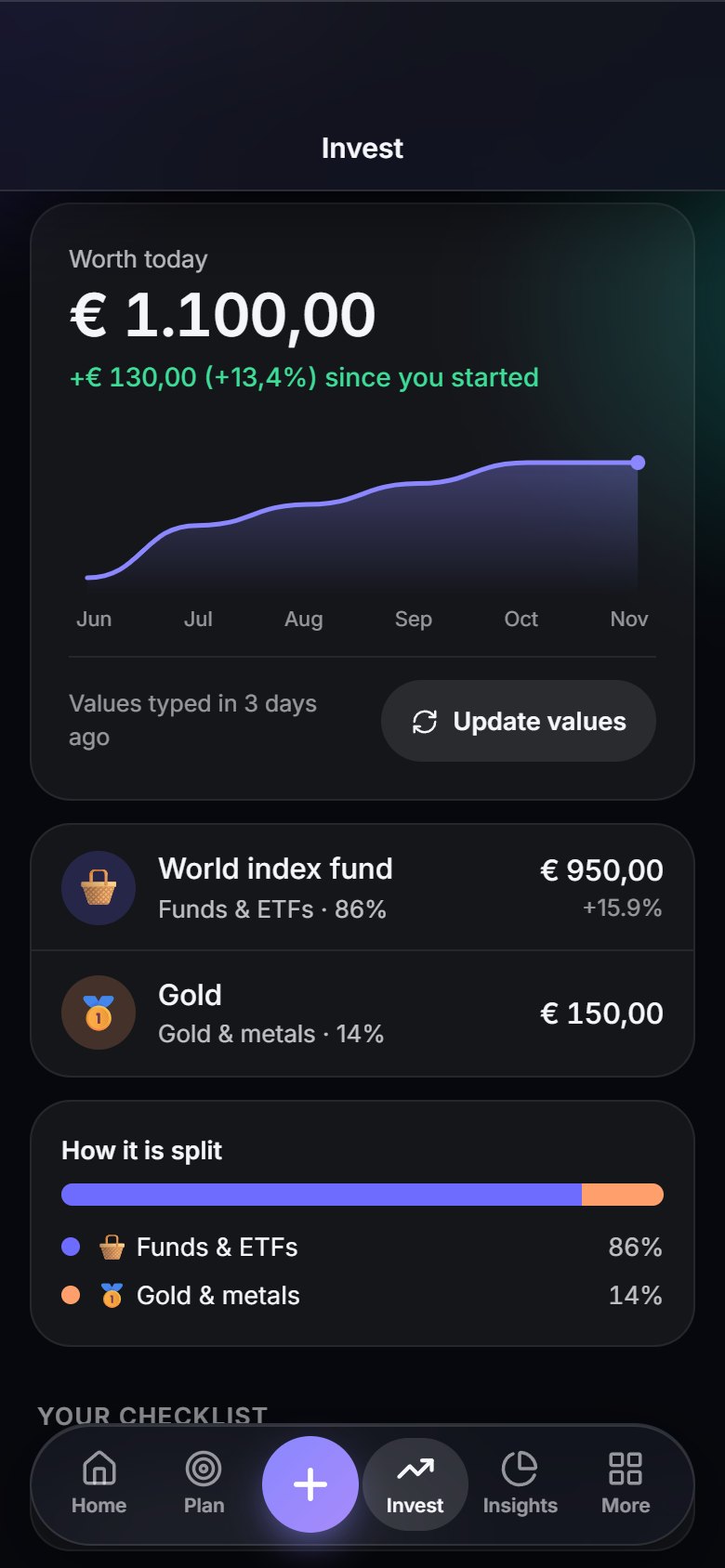
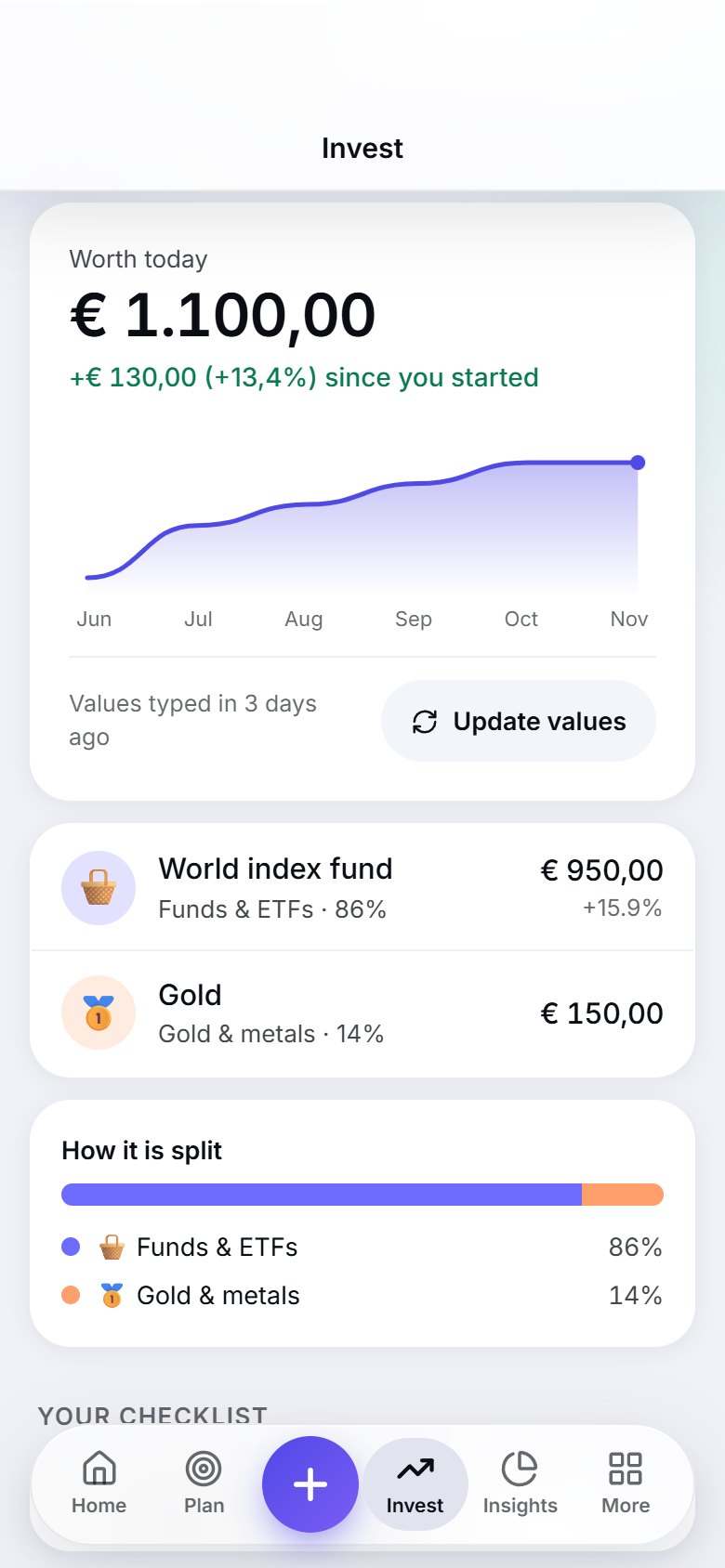
Keep track of investing

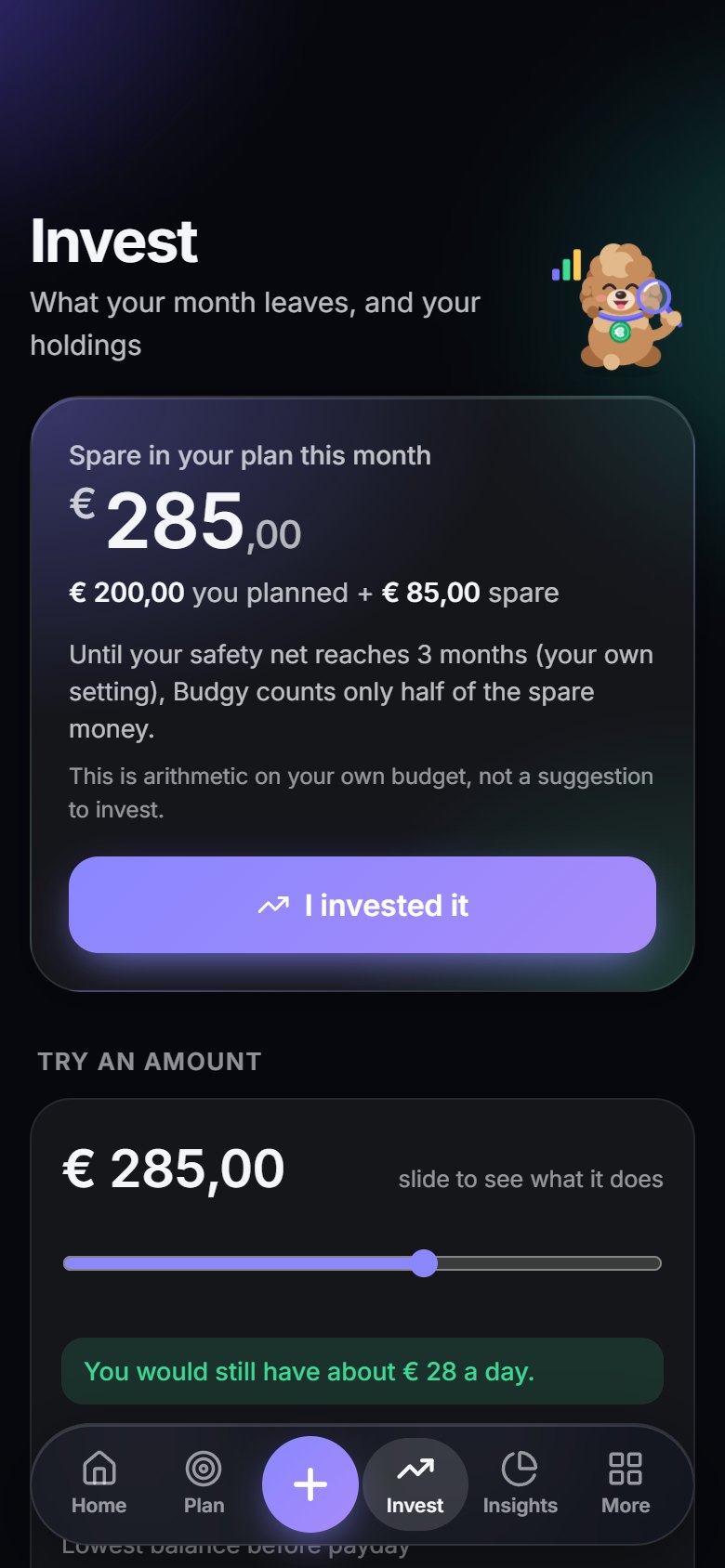
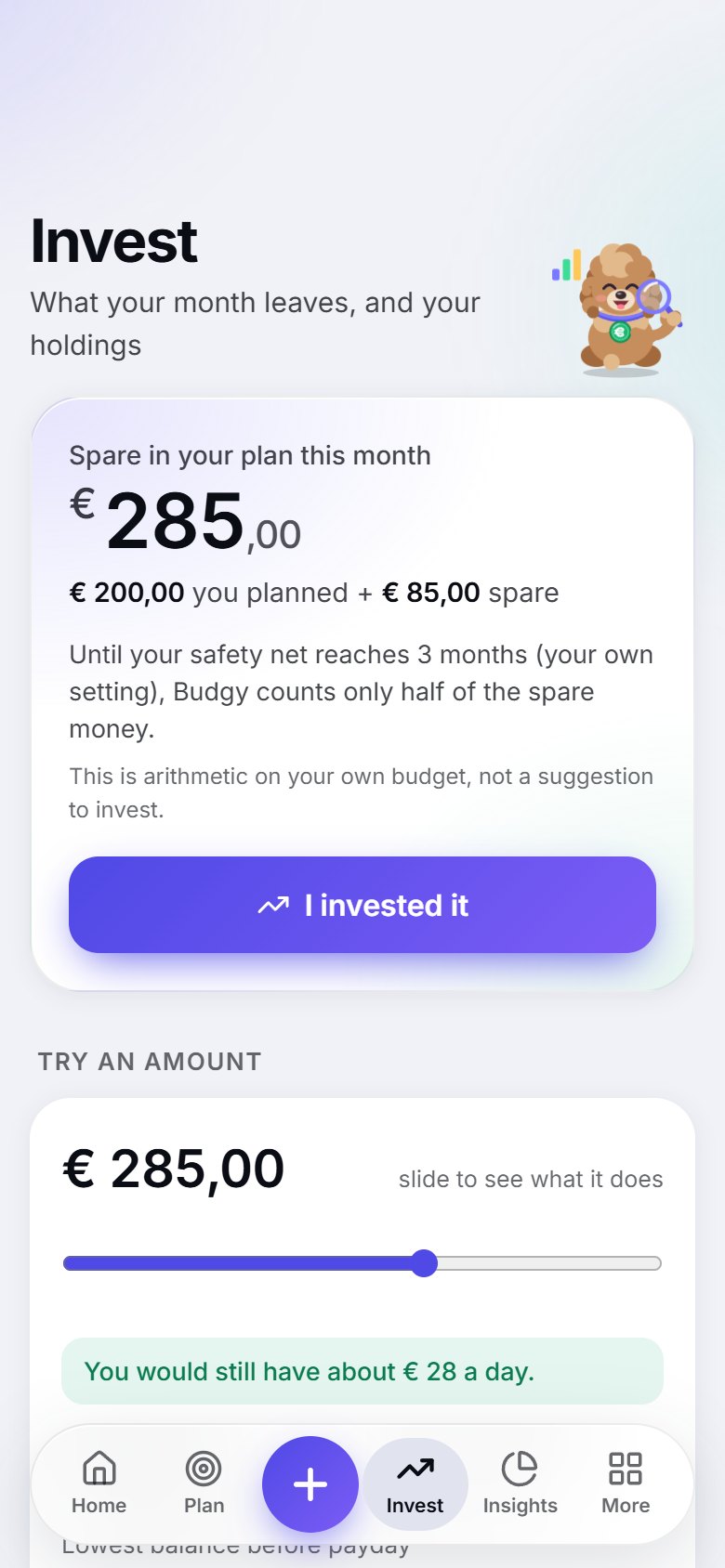
What does your month leave?

Budgy does the arithmetic on your own budget: your bills, your goals and the days until payday, and what is left. It also keeps a checklist built from your own answers. It is not investment advice.

  • A checklist from your own answers, based on steps many educators mention: a month that works, no costly debt, a safety net
  • Slide an amount and see what it does to your daily budget before you commit to anything
  • No broker login, no live prices, no tips on what to buy: you type values in, or import a statement file from your broker (a Scalable Capital-style transactions CSV, a portfolio PDF or a holdings CSV) about once a month
What does your month leave?: a screen of the Budgy appWhat does your month leave?: a screen of the Budgy app
No bank login

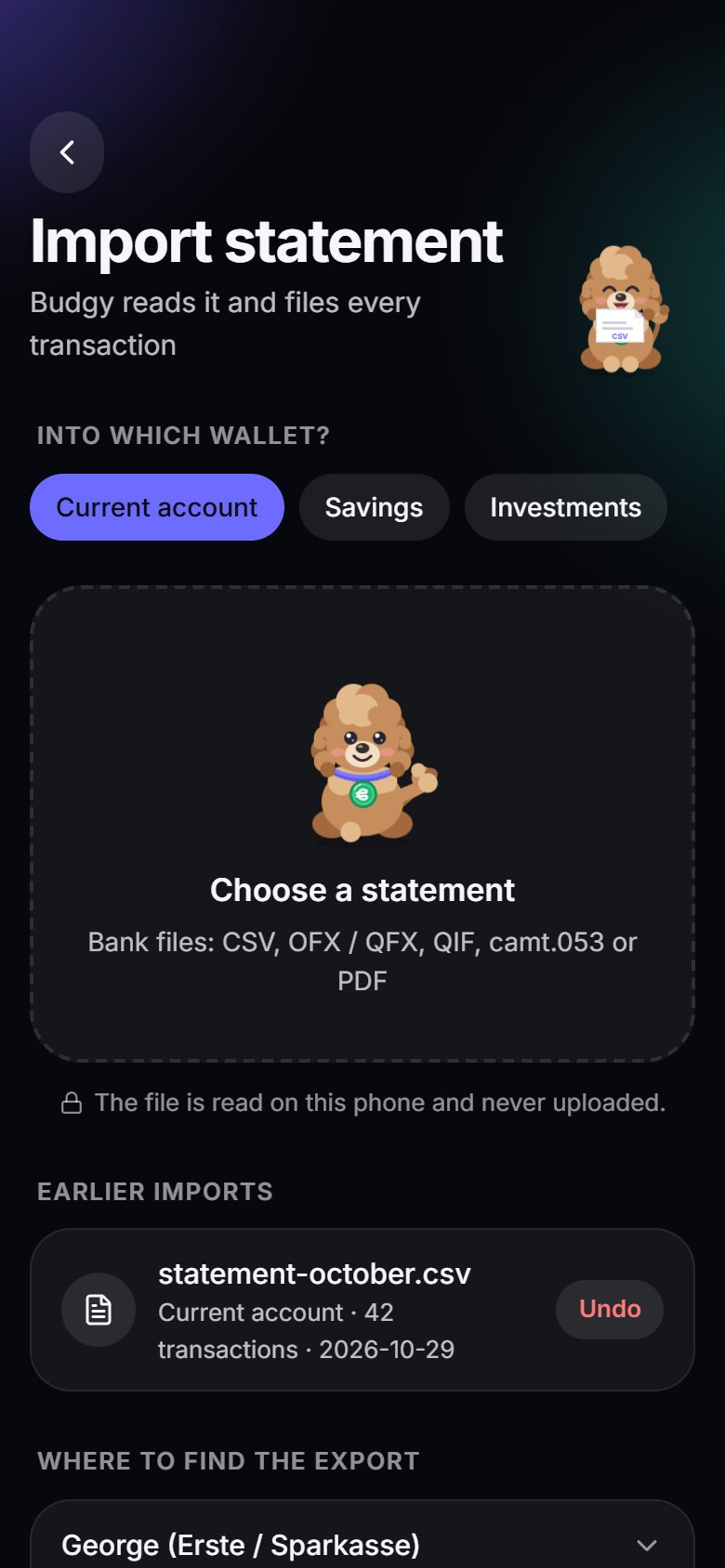
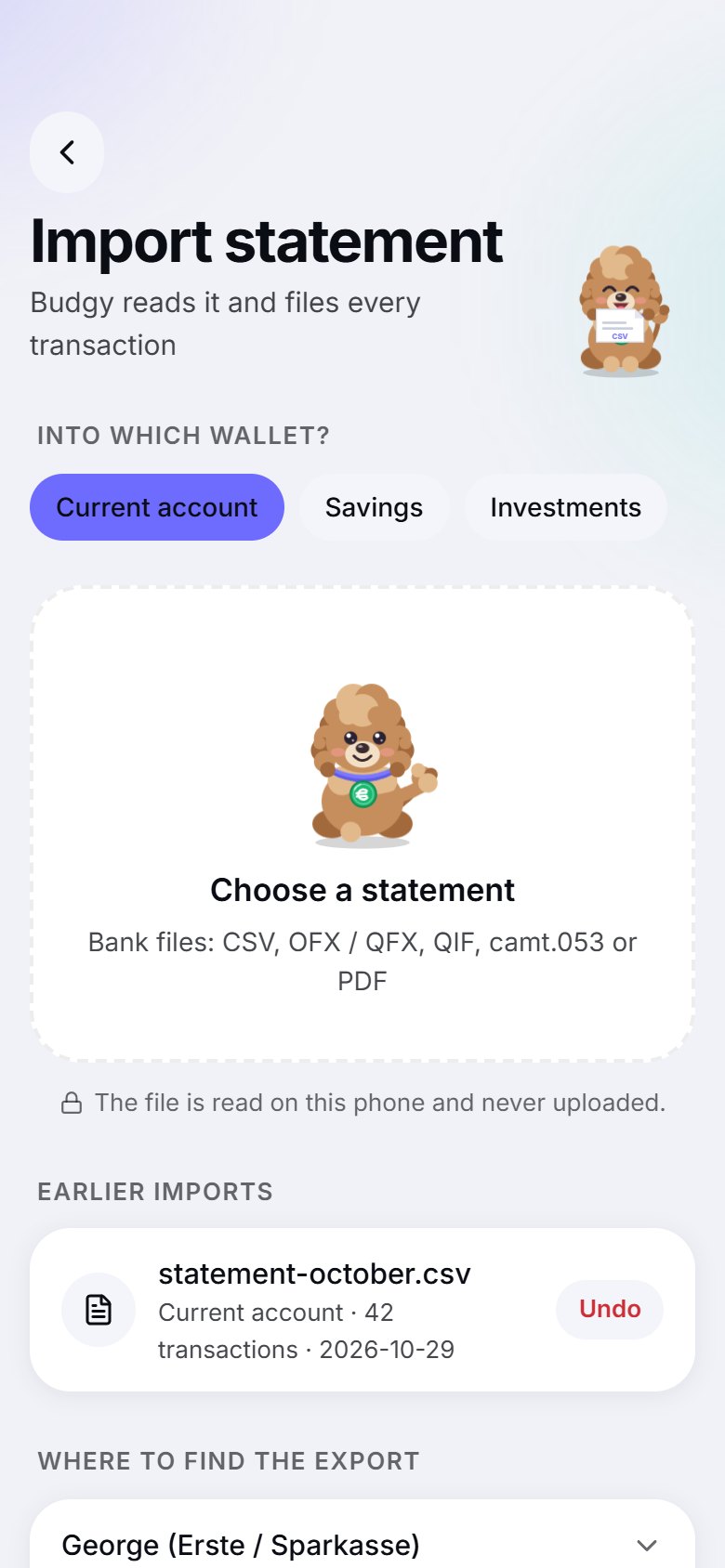
Import your bank statement

Drop in the statement you download from your bank. Budgy reads it on your phone and sorts every transaction for you.

  • CSV, OFX/QFX, QIF, camt.053 XML and PDF statements, read on the device and never uploaded
  • Shows the period, money in and out and the lines month by month, and checks that the balance in the file adds up
  • If money in and out are the wrong way round, Budgy fixes it or offers a one-tap swap; if your balance differs from the statement's, "Match the statement" adds a visible correction
  • Finds duplicates, recognises merchants and learns your corrections
  • Matches payments to the bills you already planned
  • Your first 3 imports are free. Unlimited imports, PDF and broker files come with Pro*
Import your bank statement: a screen of the Budgy appImport your bank statement: a screen of the Budgy app
Look ahead

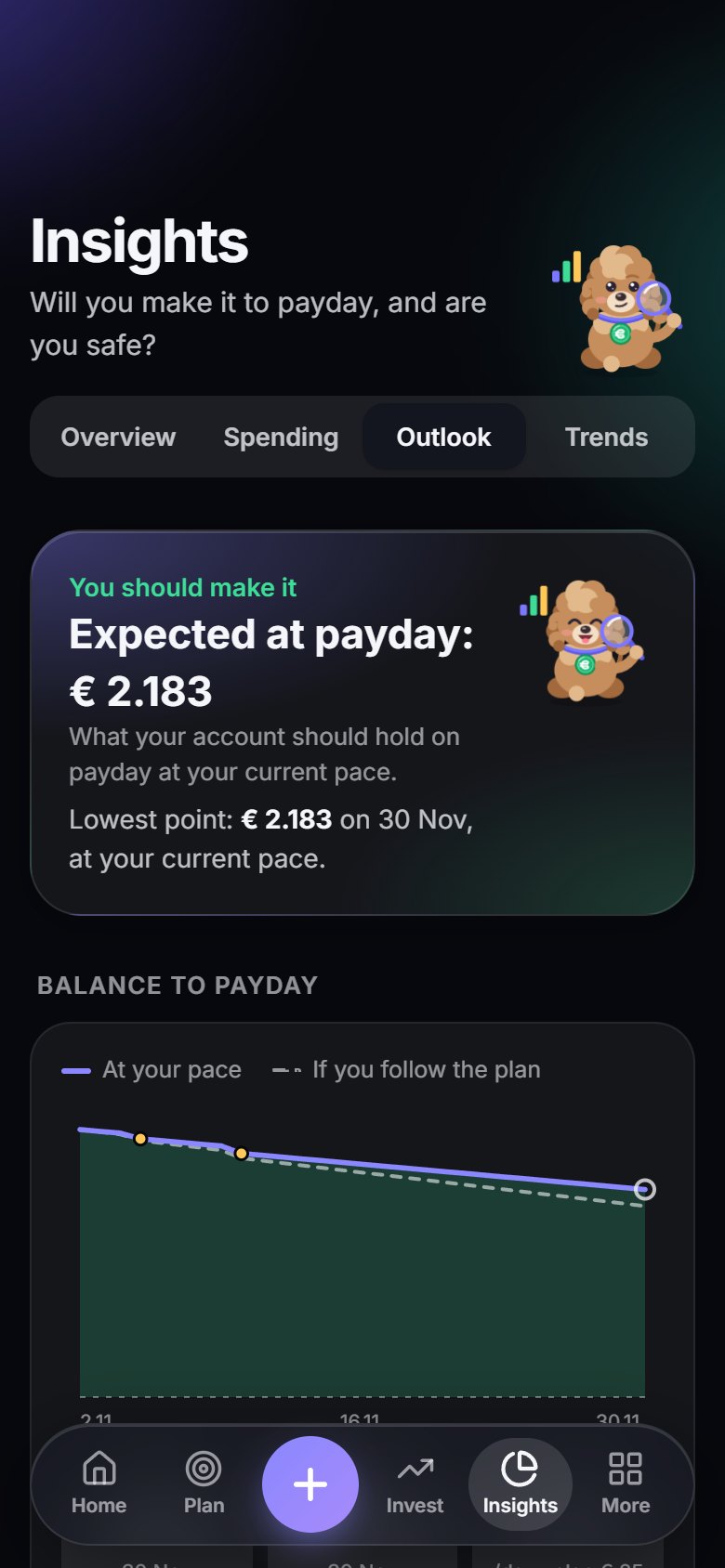
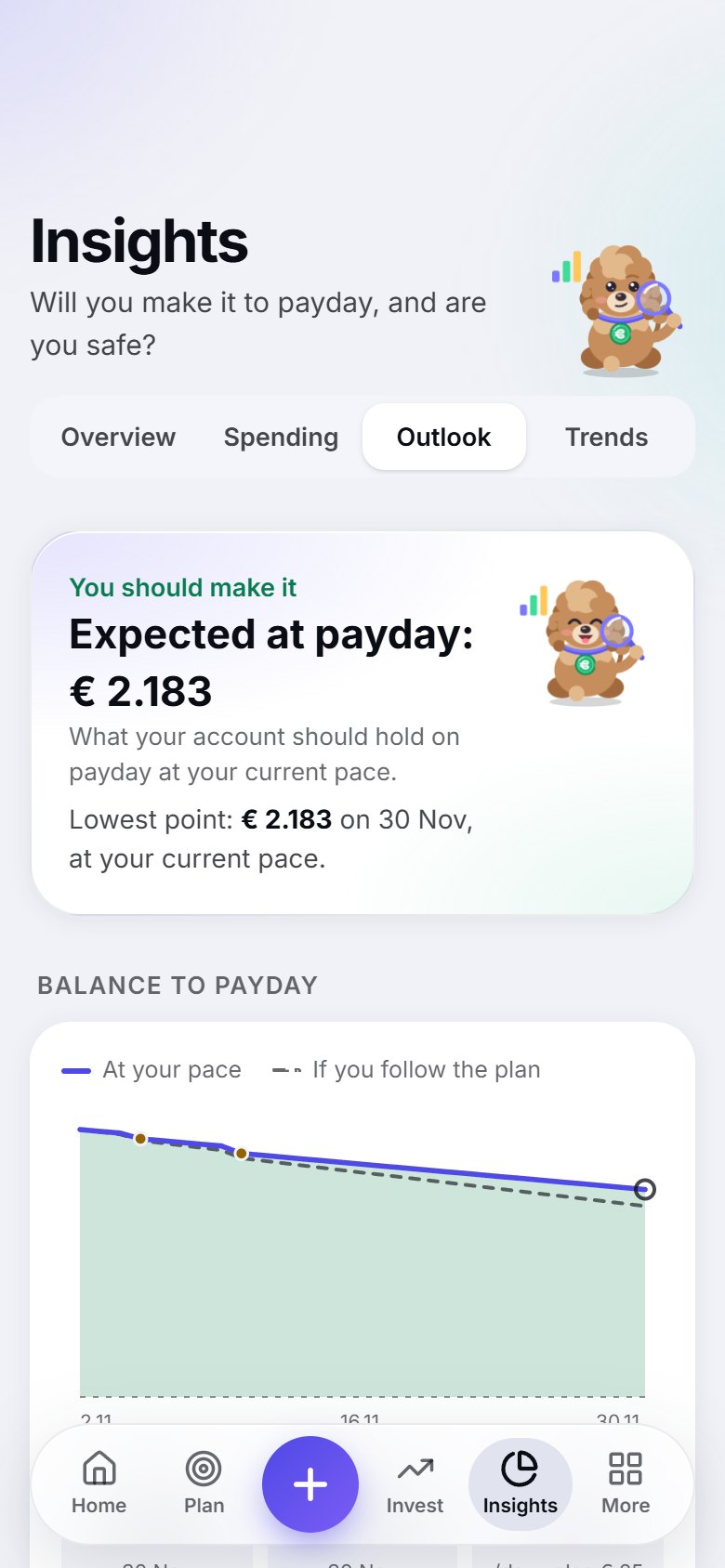
Will you make it to payday?*

A day-by-day forecast of your balance until the next salary, with your bills and income marked on the line.

  • Two lines: at your current pace, and if you follow the plan
  • Spot the tight days before they arrive
  • An all-clear, or a clear heads-up
Will you make it to payday?: a screen of the Budgy appWill you make it to payday?: a screen of the Budgy app
Think before you buy

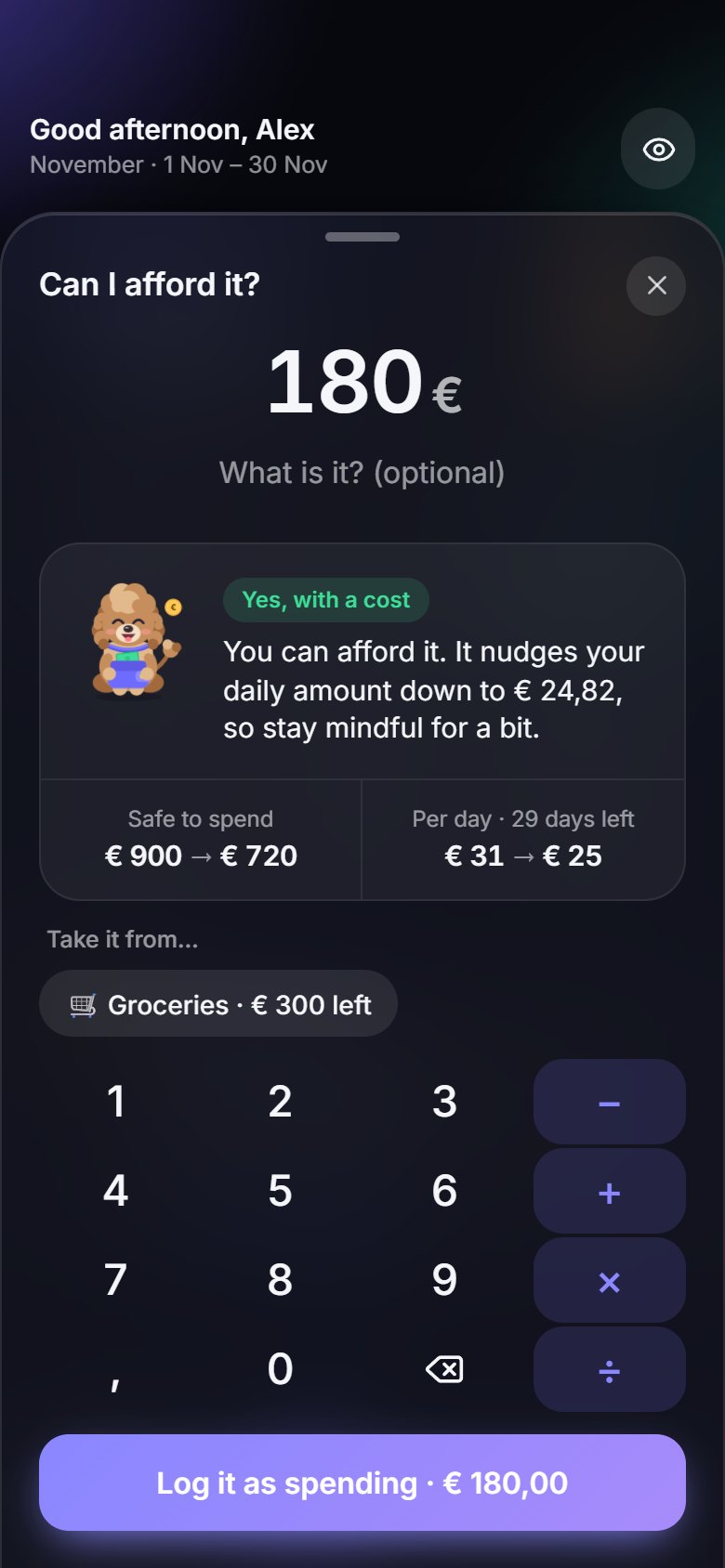
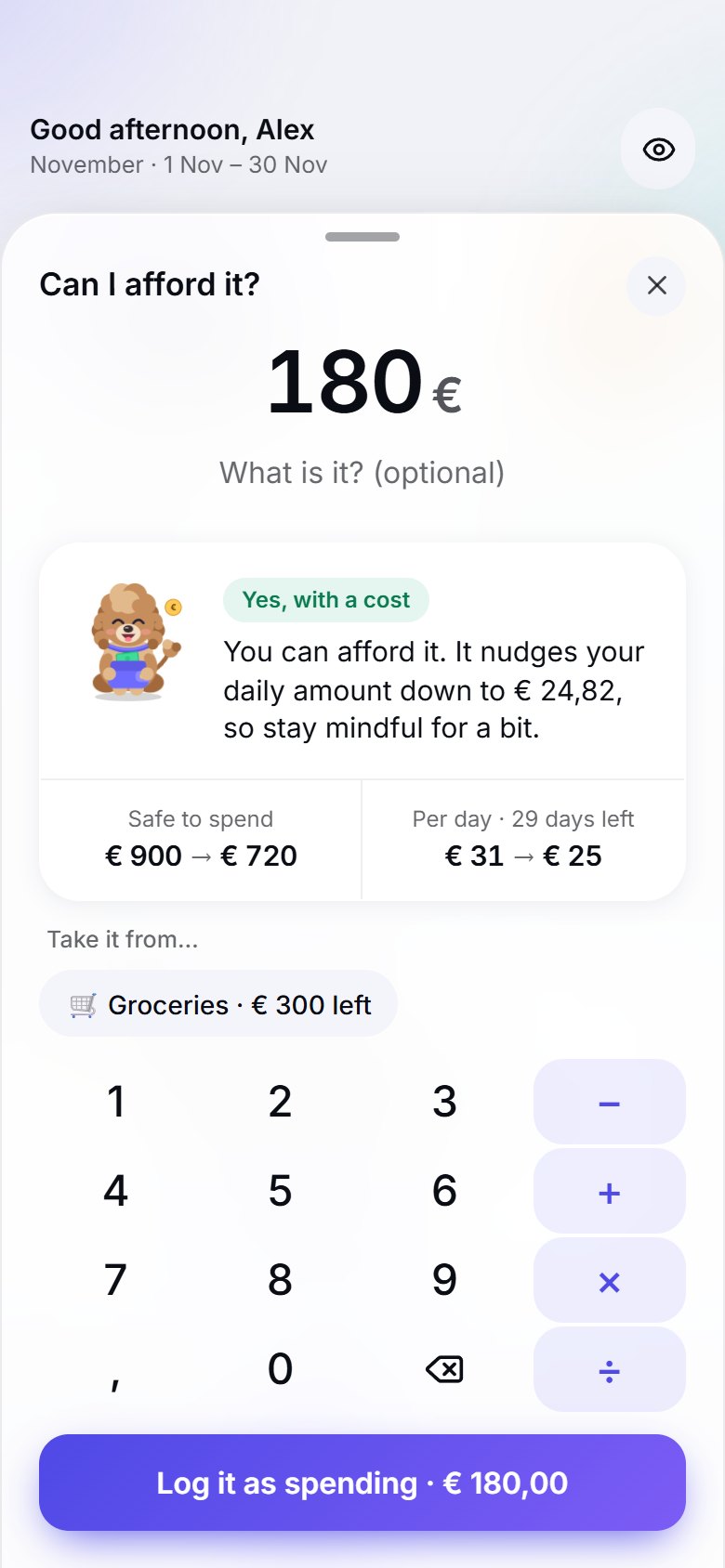
Can I afford it?*

Type a price and see what it does to today's number and your daily amount, before you spend a cent.

  • Pick the envelope it would come out of
  • Log it as spending in one tap
  • Or turn it into a goal and save up for it
Can I afford it?: a screen of the Budgy appCan I afford it?: a screen of the Budgy app
Subscriptions

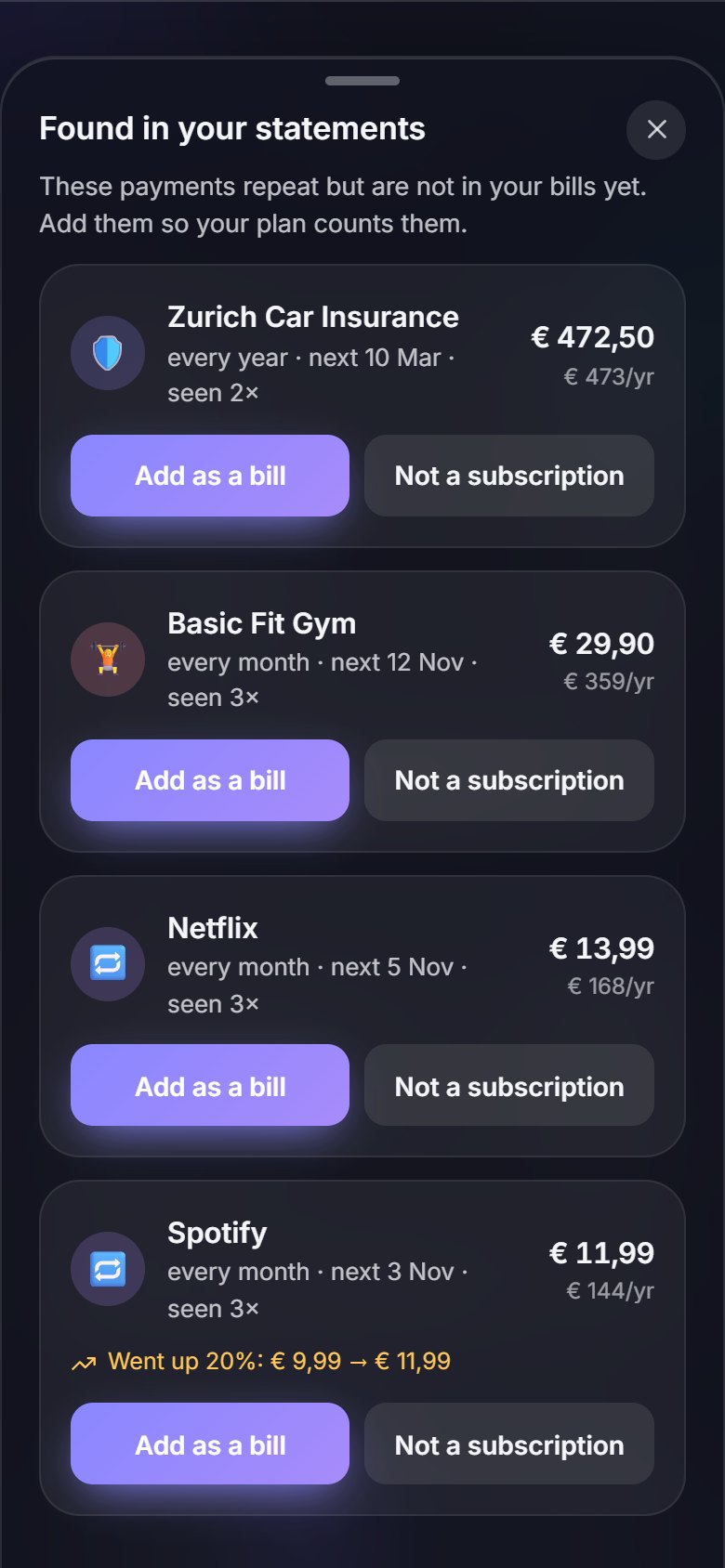
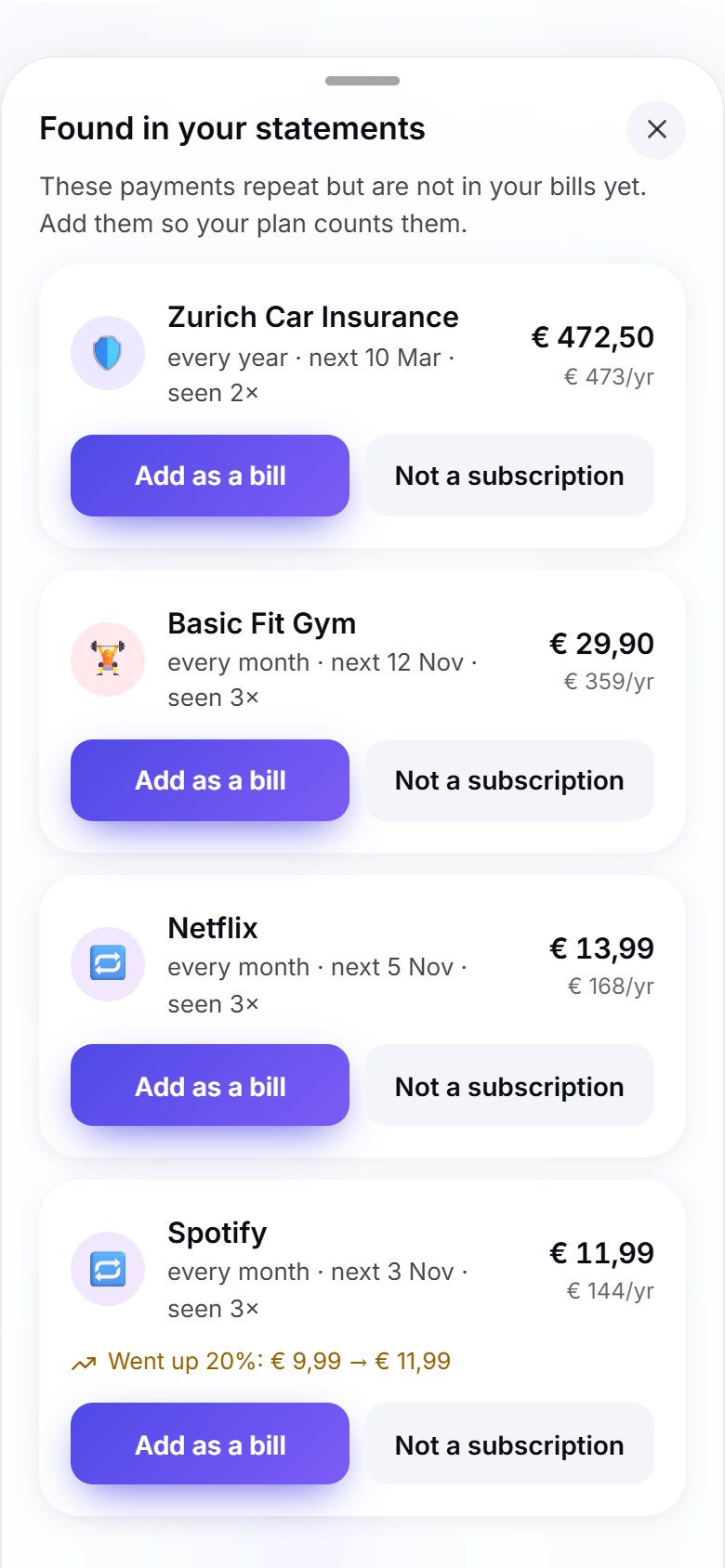
Find the payments that repeat*

Budgy scans your statements for subscriptions and repeat payments, and shows what they really cost you a year.

  • Spots price rises on the services you already pay for
  • Add a repeat payment to your bills in one tap
  • Dismiss the ones you already know about
Find the payments that repeat: a screen of the Budgy appFind the payments that repeat: a screen of the Budgy app
And there is more

Small things that make it stick

Do the sums as you type

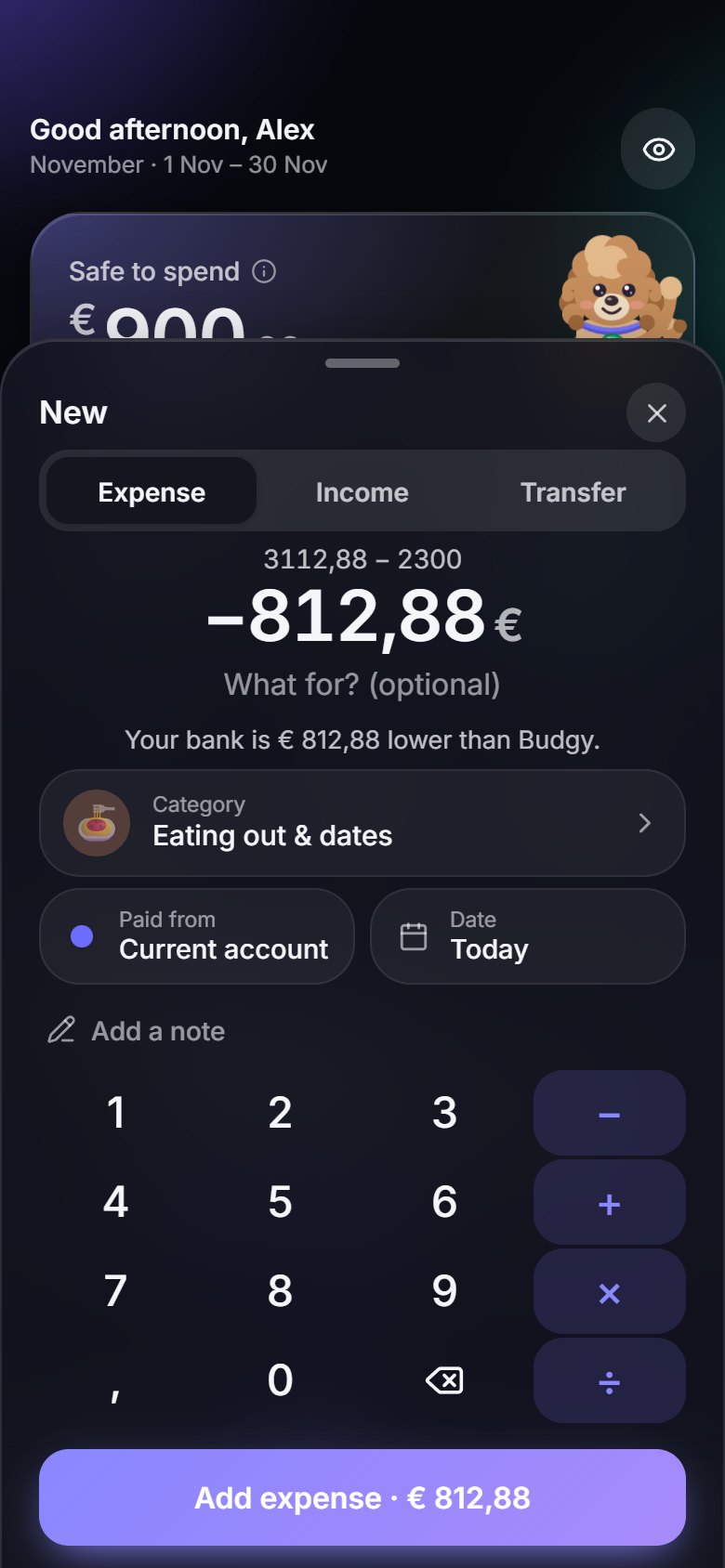
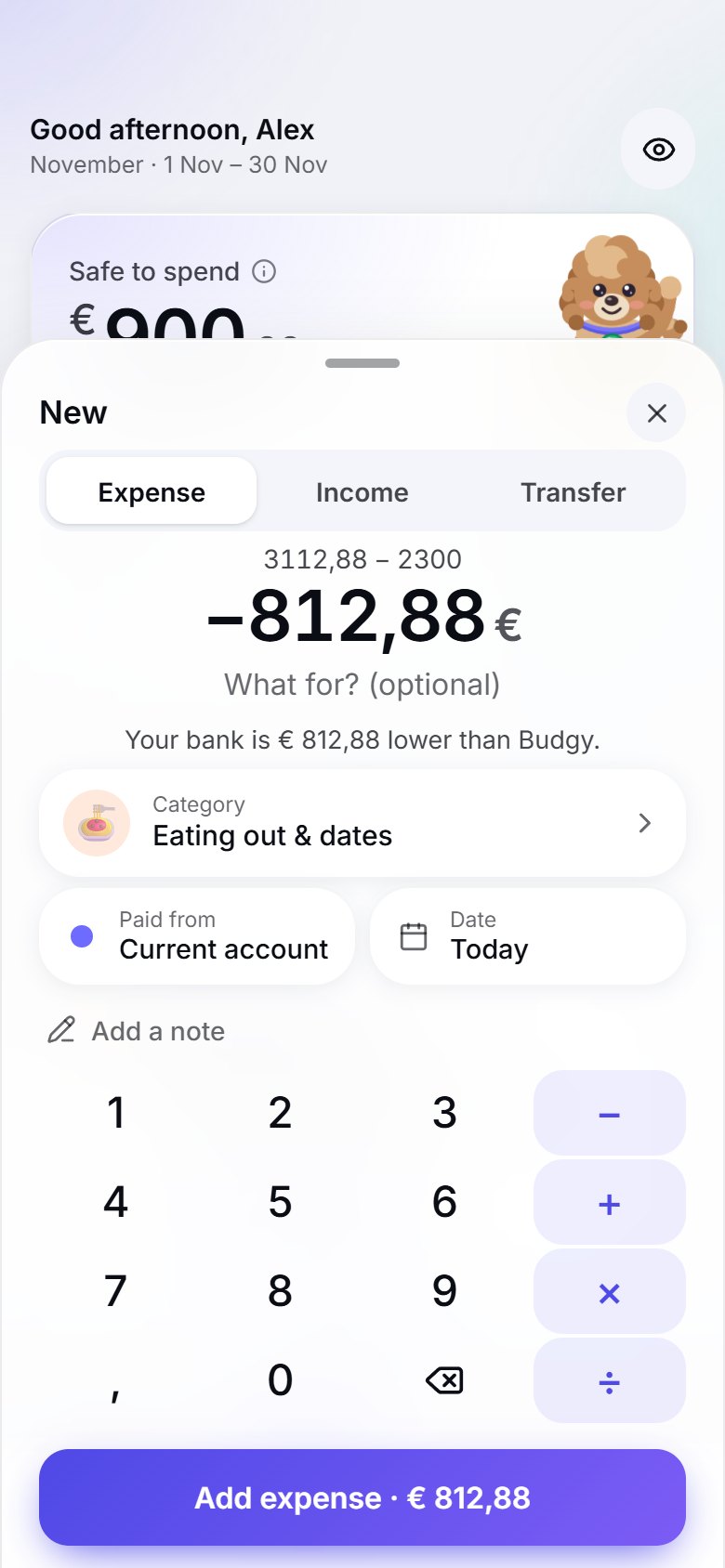
Type 730 − 650 or 85,40 ÷ 2 right in the amount. Budgy also shows what it thinks is in your account, so the gap to your bank is one tap to log.

Budgy Academy

More than 20 one-minute lessons on budgeting, saving, debt, interest and credit cards. Each ends with one thing to do in the app, and the right lesson shows up on the screen it is about.

A guided tour

The first time you open Budgy, a short tap-through tour explains every section. Skip it any time, or replay it later from Me.

Made for everyone

Larger text sizes, light and dark themes and 10 languages, so Budgy fits the way you read.

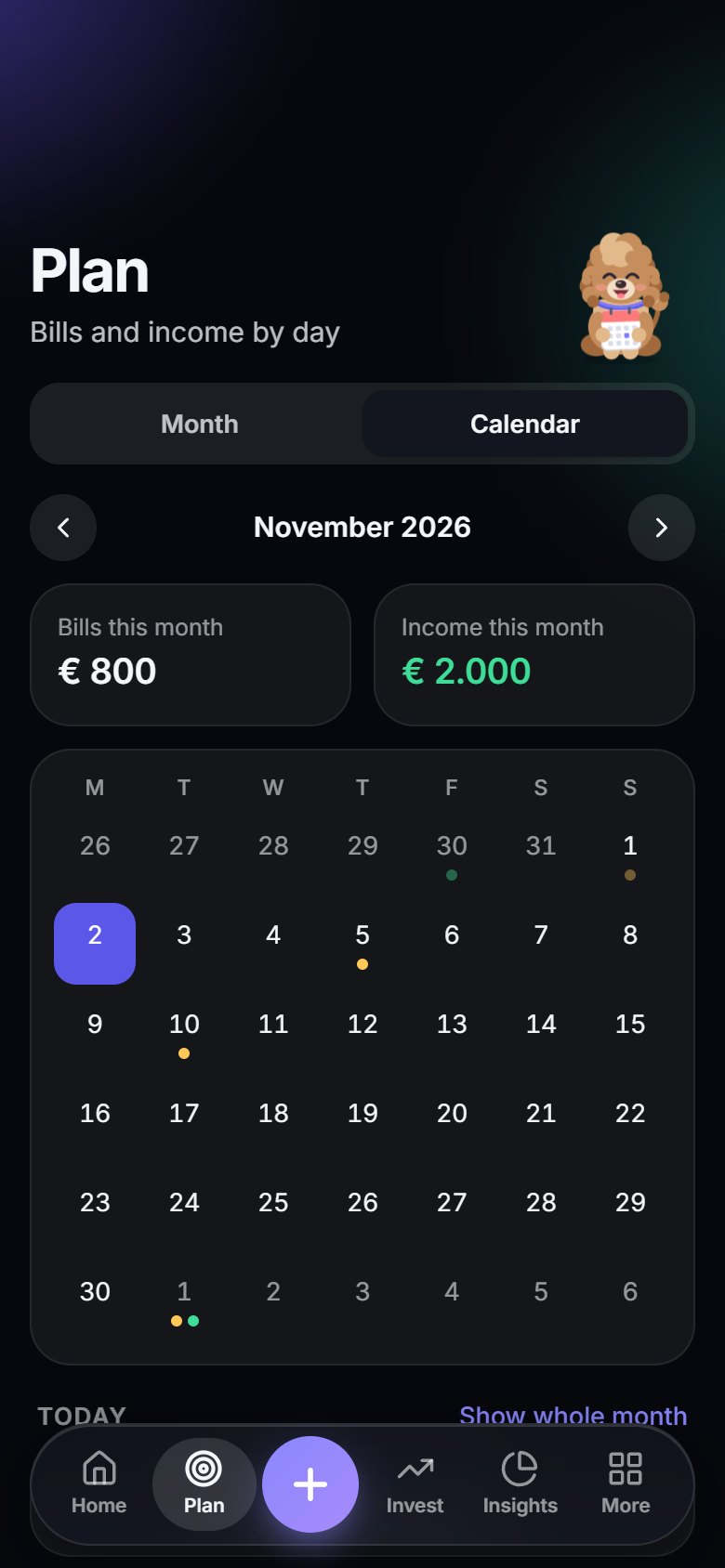
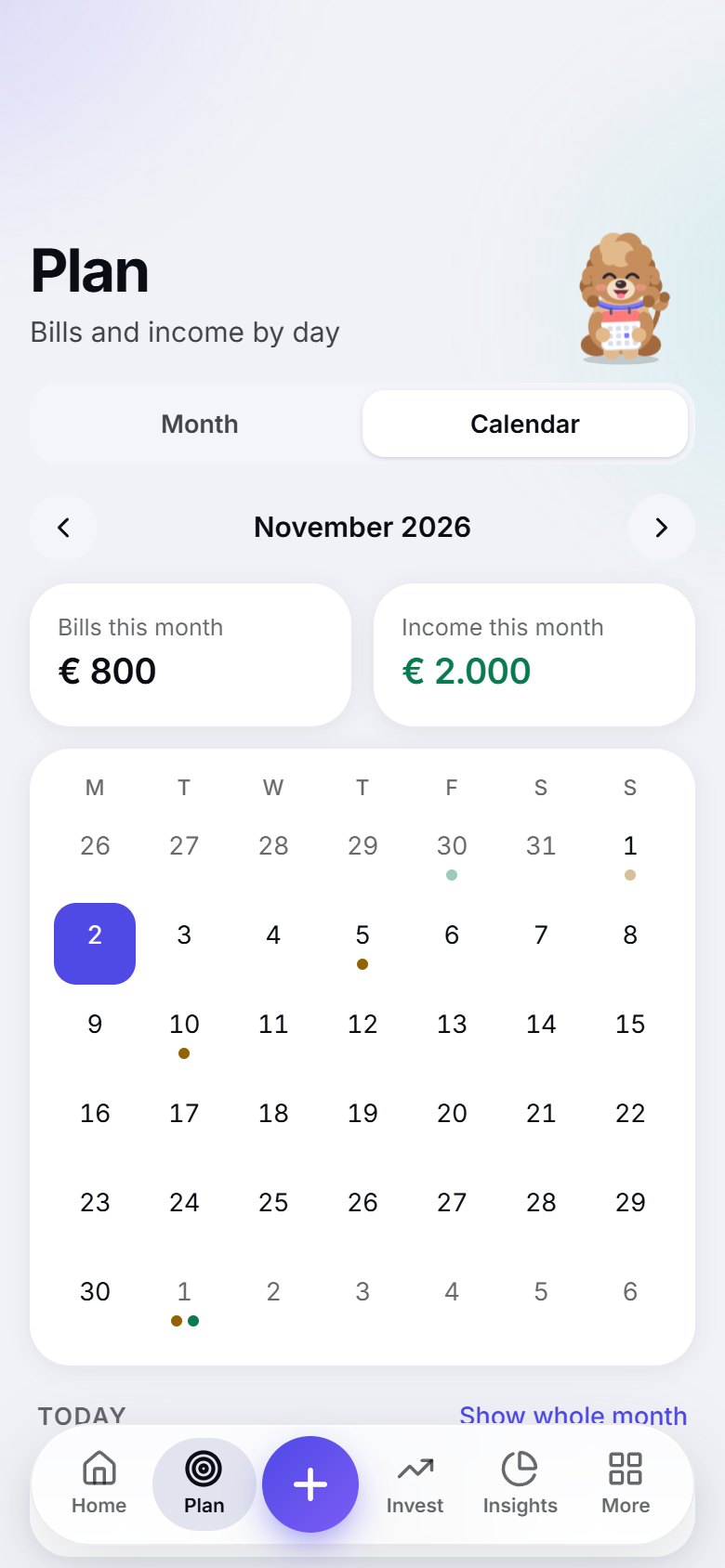
Bill calendar

Everything that is due, day by day, so nothing sneaks up on you.

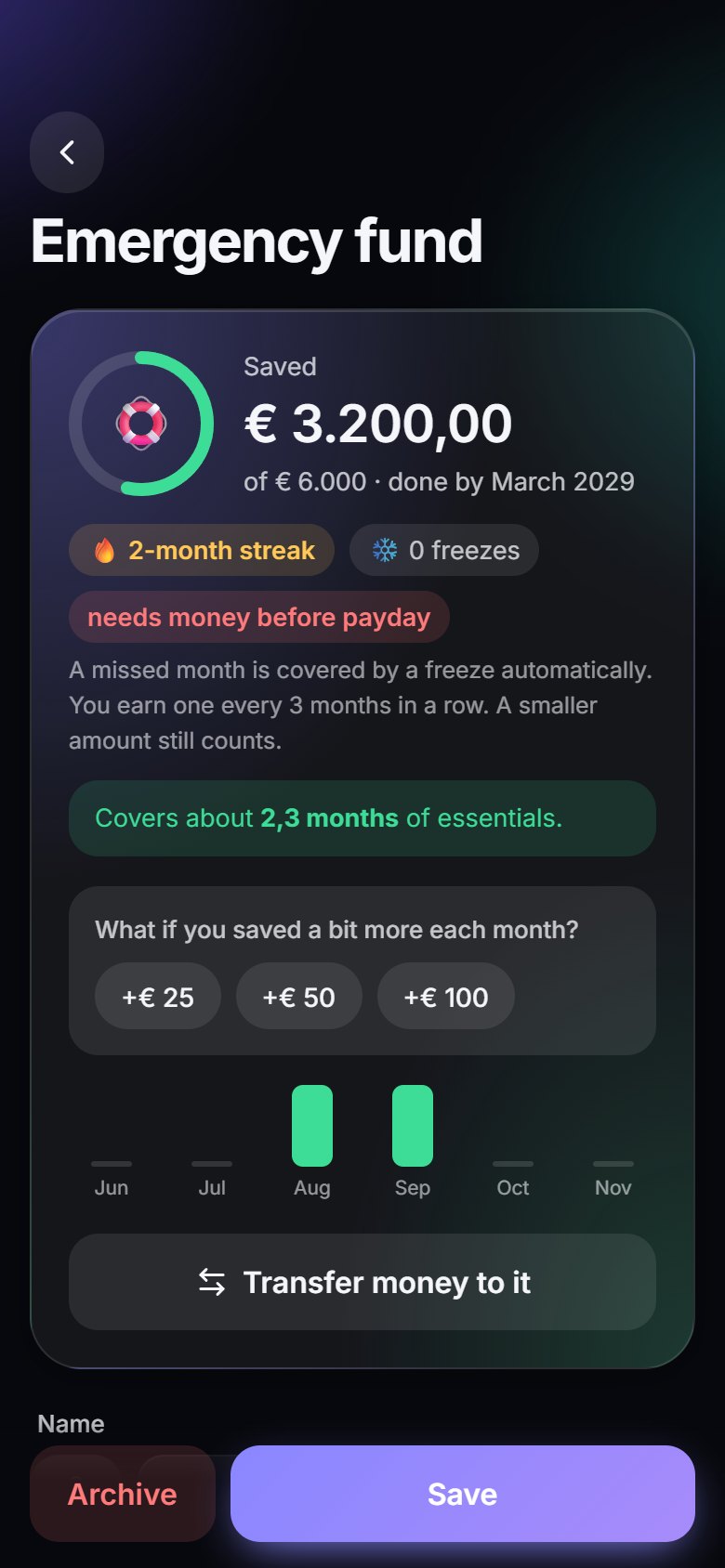
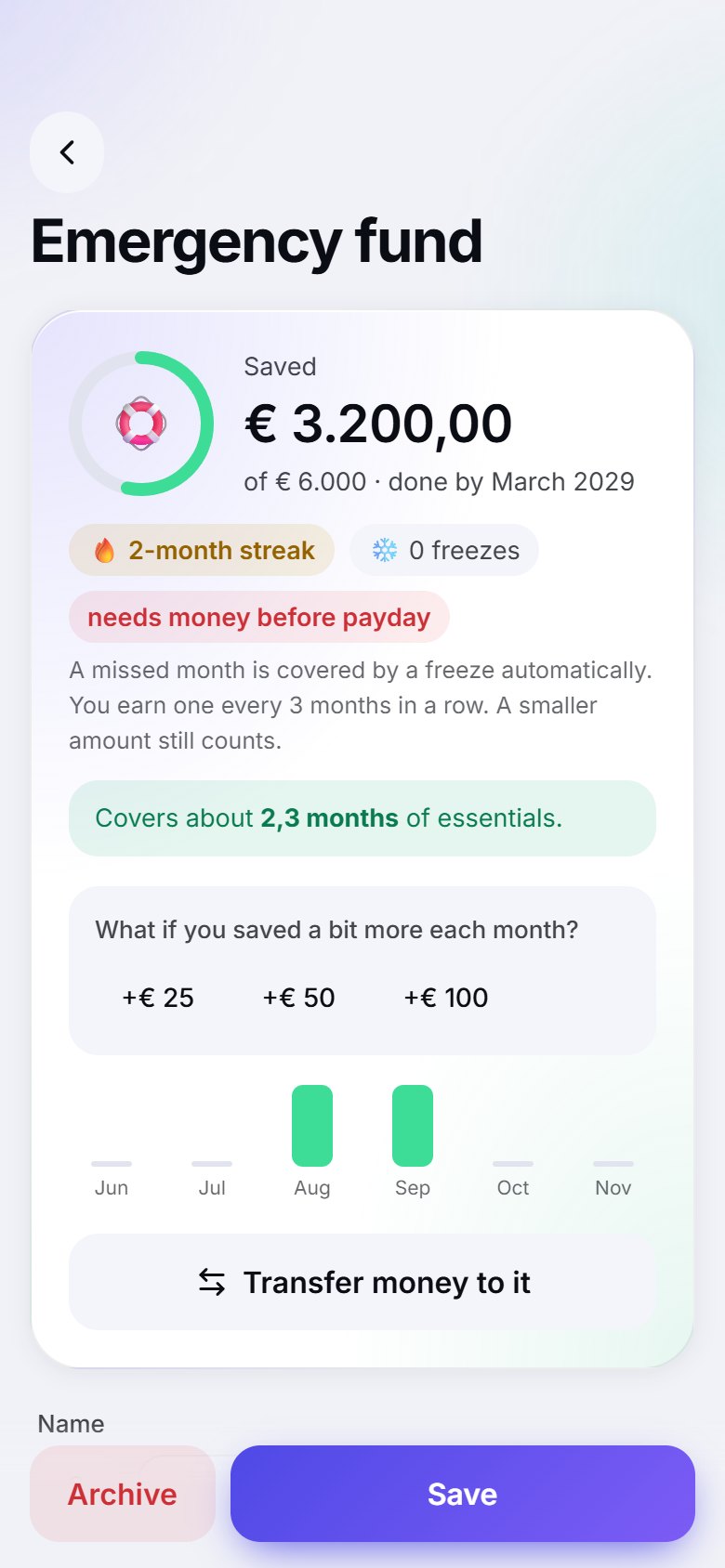
Goals with forgiving streaks

Build your emergency fund and more. Miss a month and a streak freeze has your back.

Weekly recap & month wrap-up

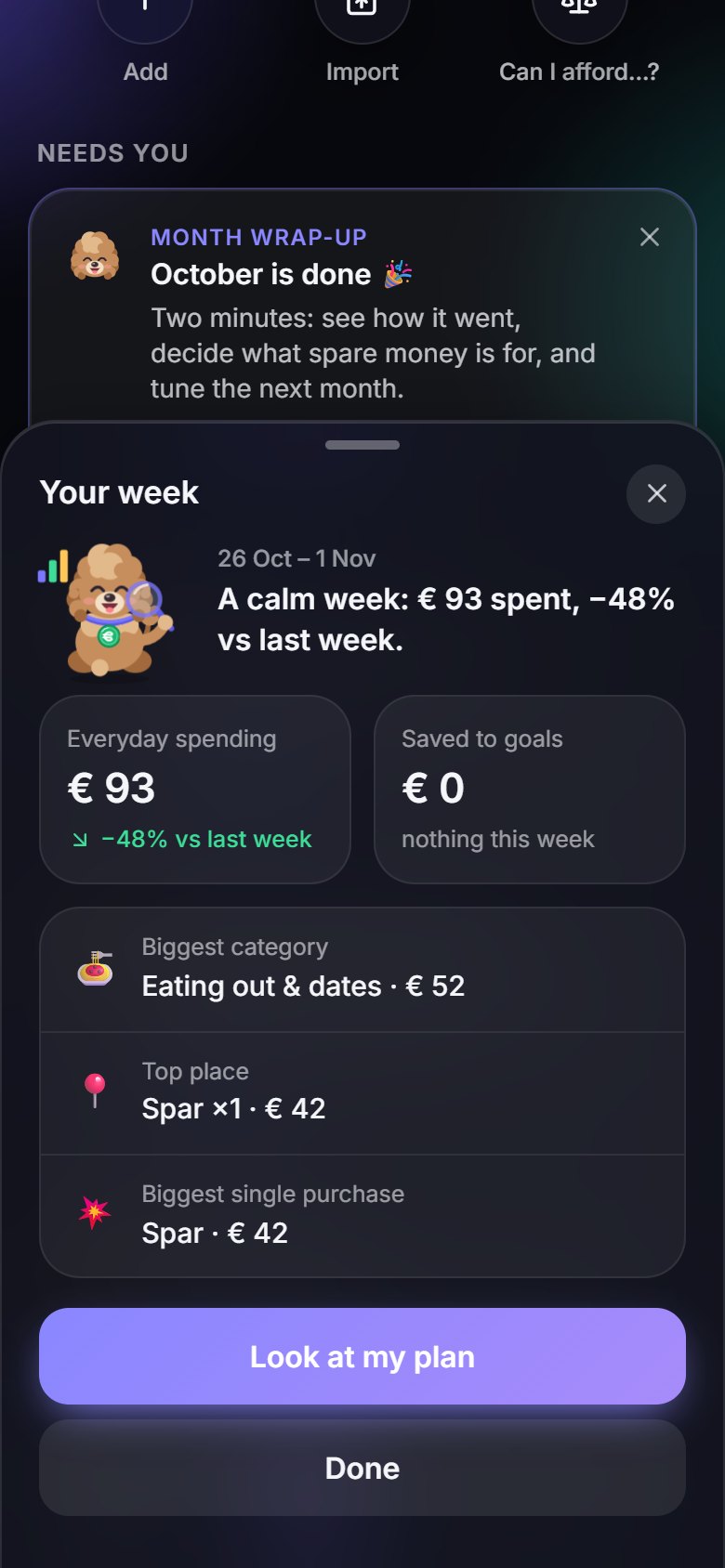
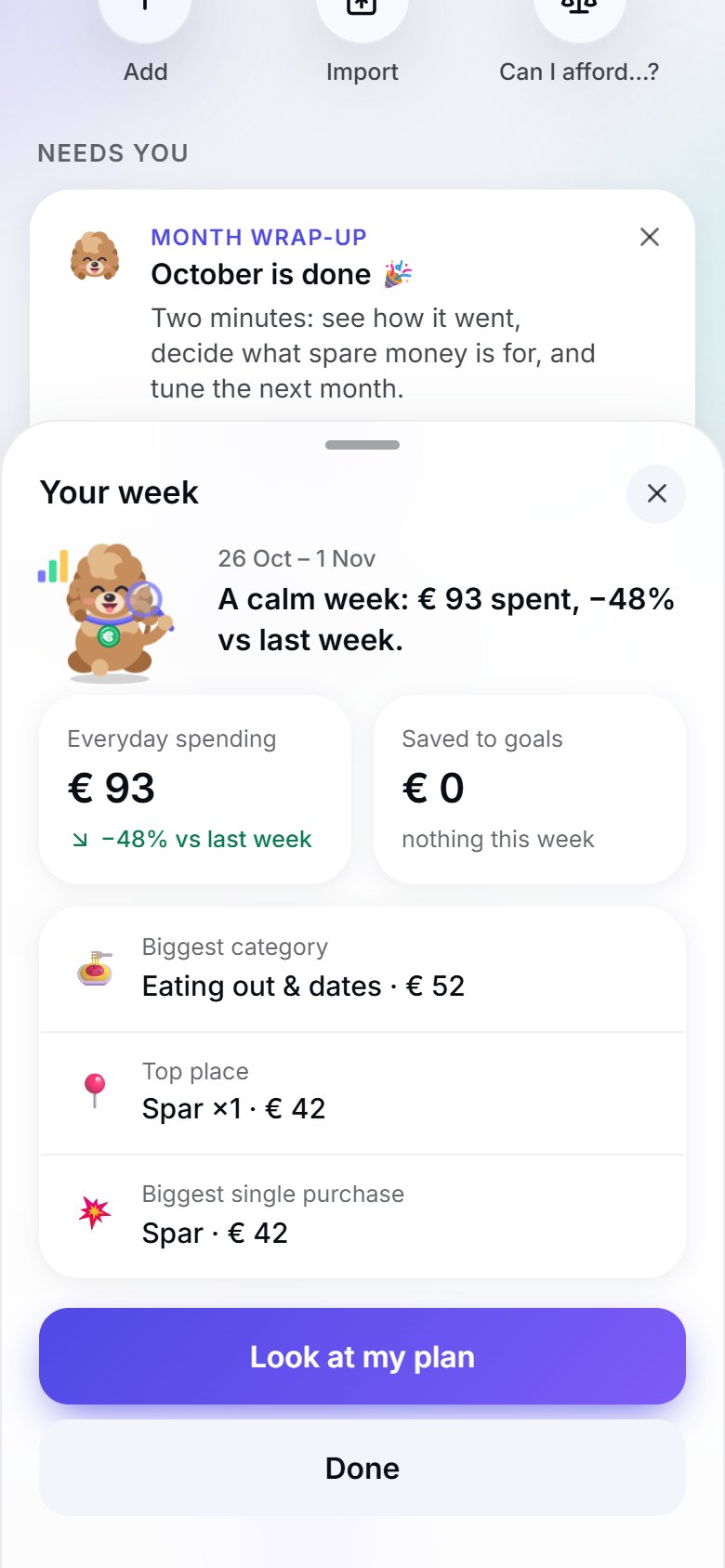
A short look back on Sundays, and a two-minute ritual to close each month.

Where it really went

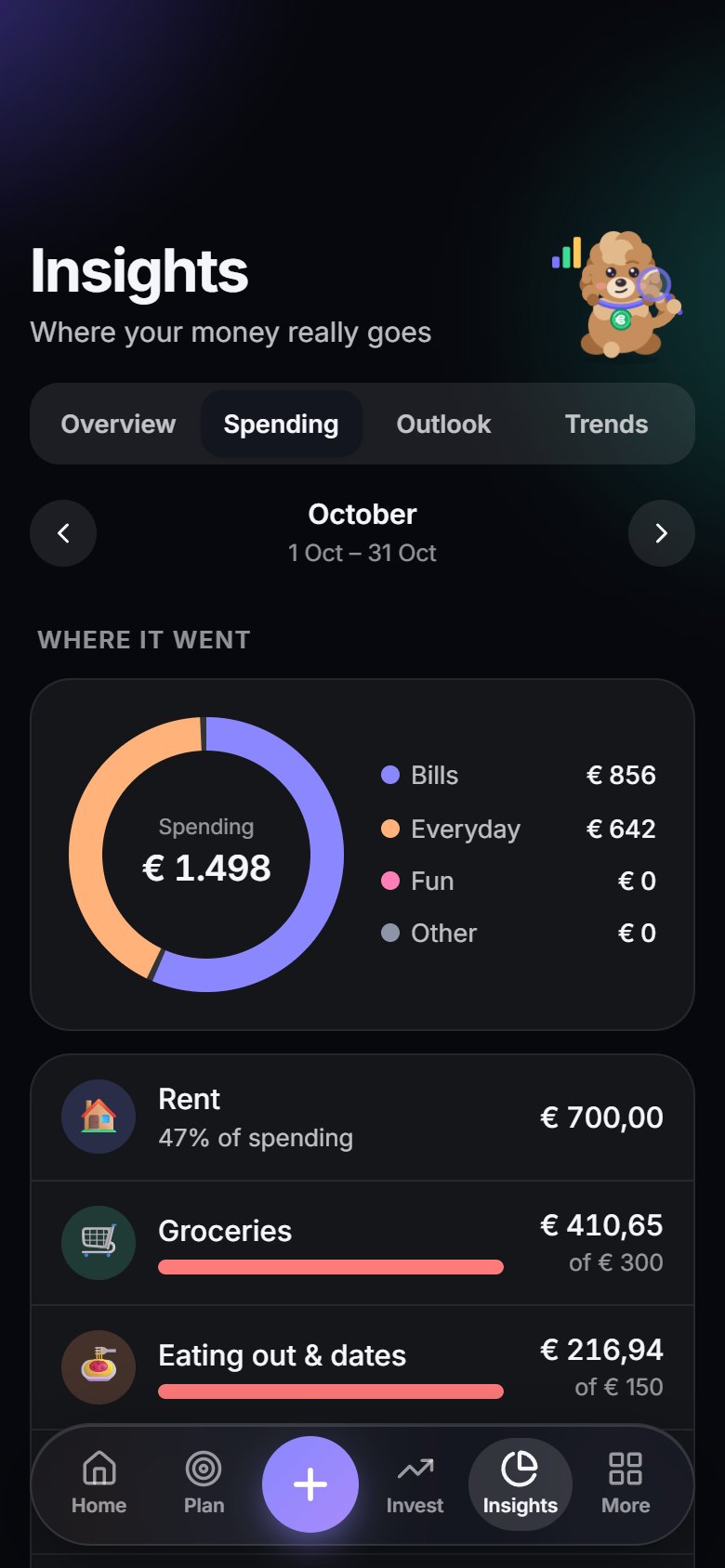
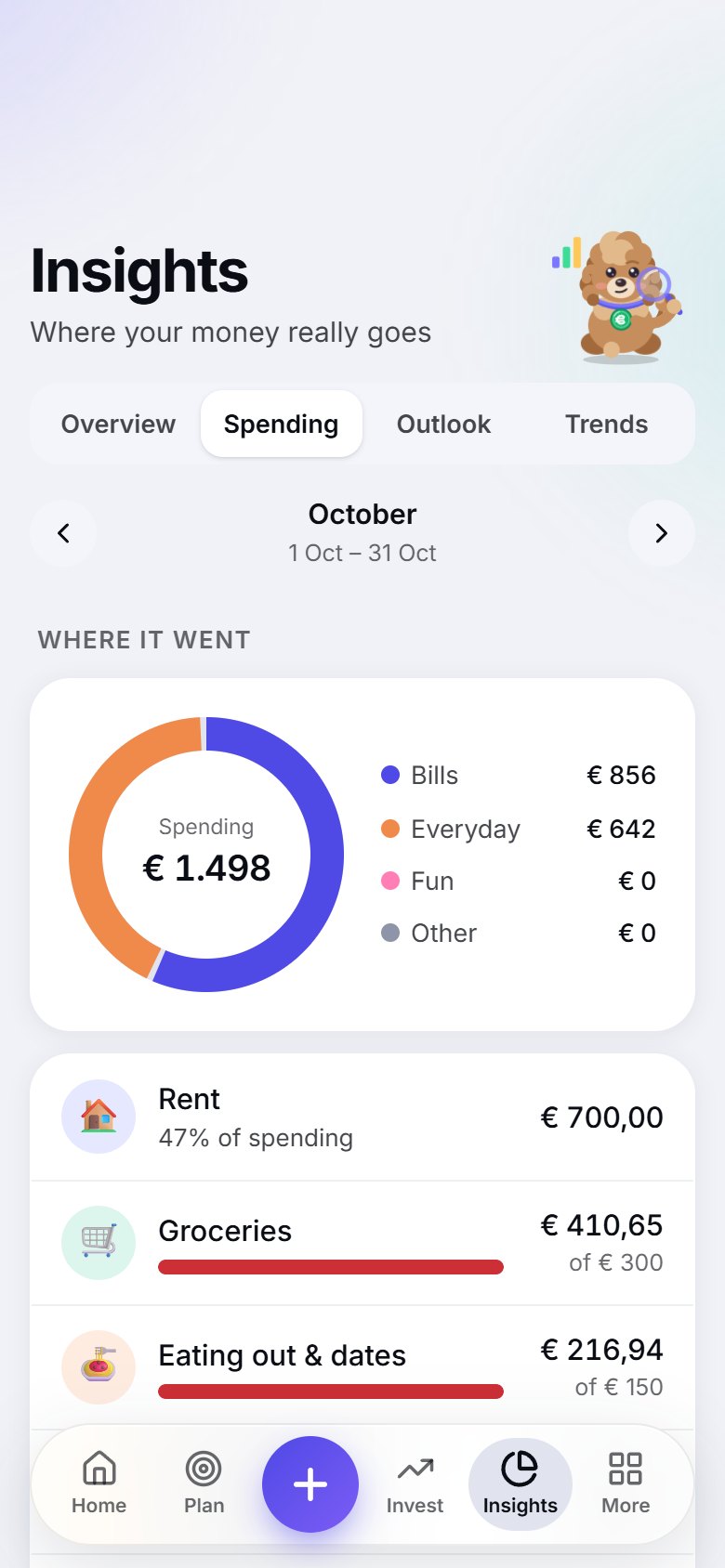
Clear charts of spending by category and merchant, plus which weekdays you eat out most.

History, trends and reports*

Month against month, a year view, your savings rate and net worth over time, a shareable year in review and reports you can export. Worked out on your phone.

Gas & electricity meters*

Type what you pay each month and your meter readings. Budgy estimates the yearly bill from the numbers on your own bill and shows your likely top-up or refund. It never looks up prices or your address.

Save More Tomorrow*

Raise a saving goal automatically, a little every few months, without feeling it.

Your portfolio*

Funds, stocks, gold or crypto: see what you own, how it is split and how it changes, inside your net worth. Typed in or imported from a statement file, never live prices.

All your wallets

Current account, savings, cash, card, investments. Every balance is on Home, your whole net worth is in one place, and Match your bank fixes a gap in a tap.

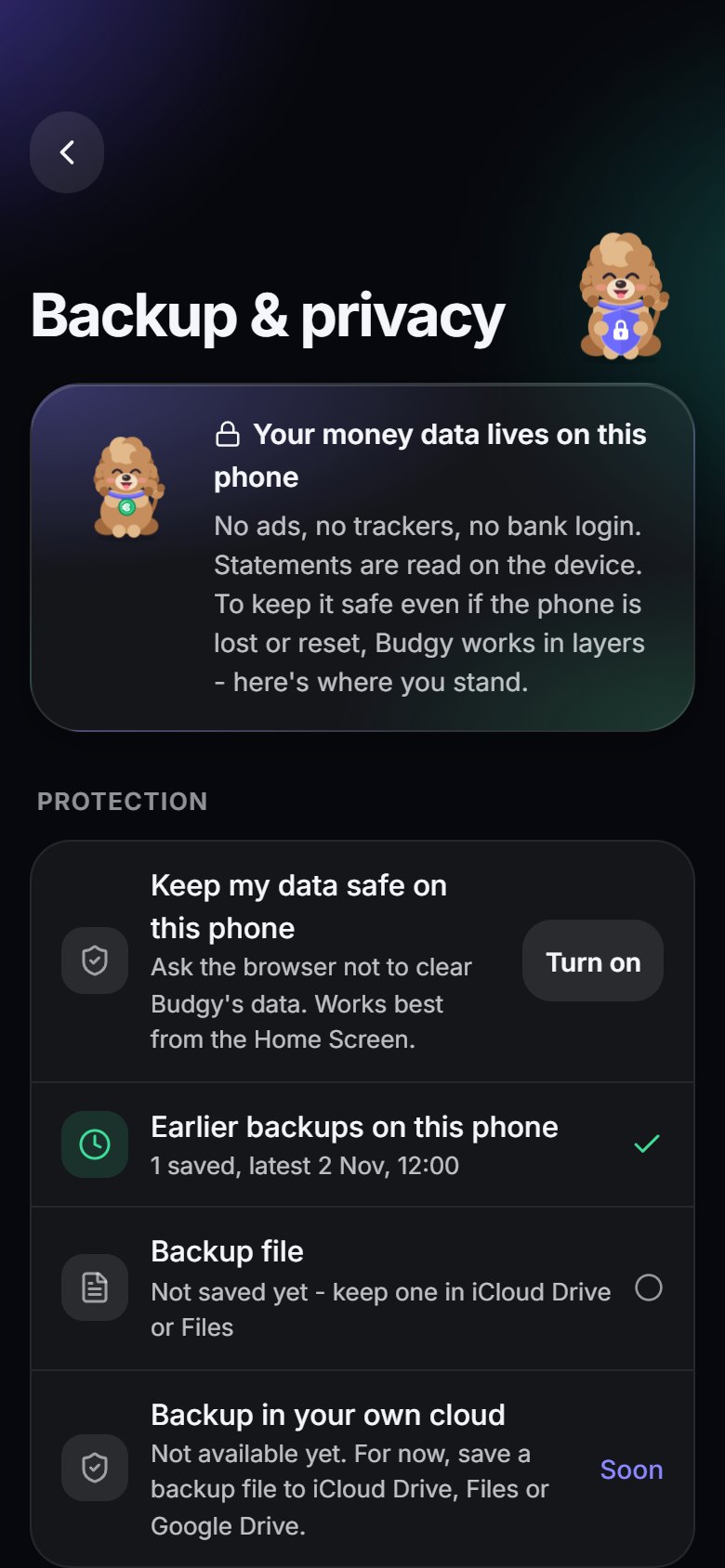
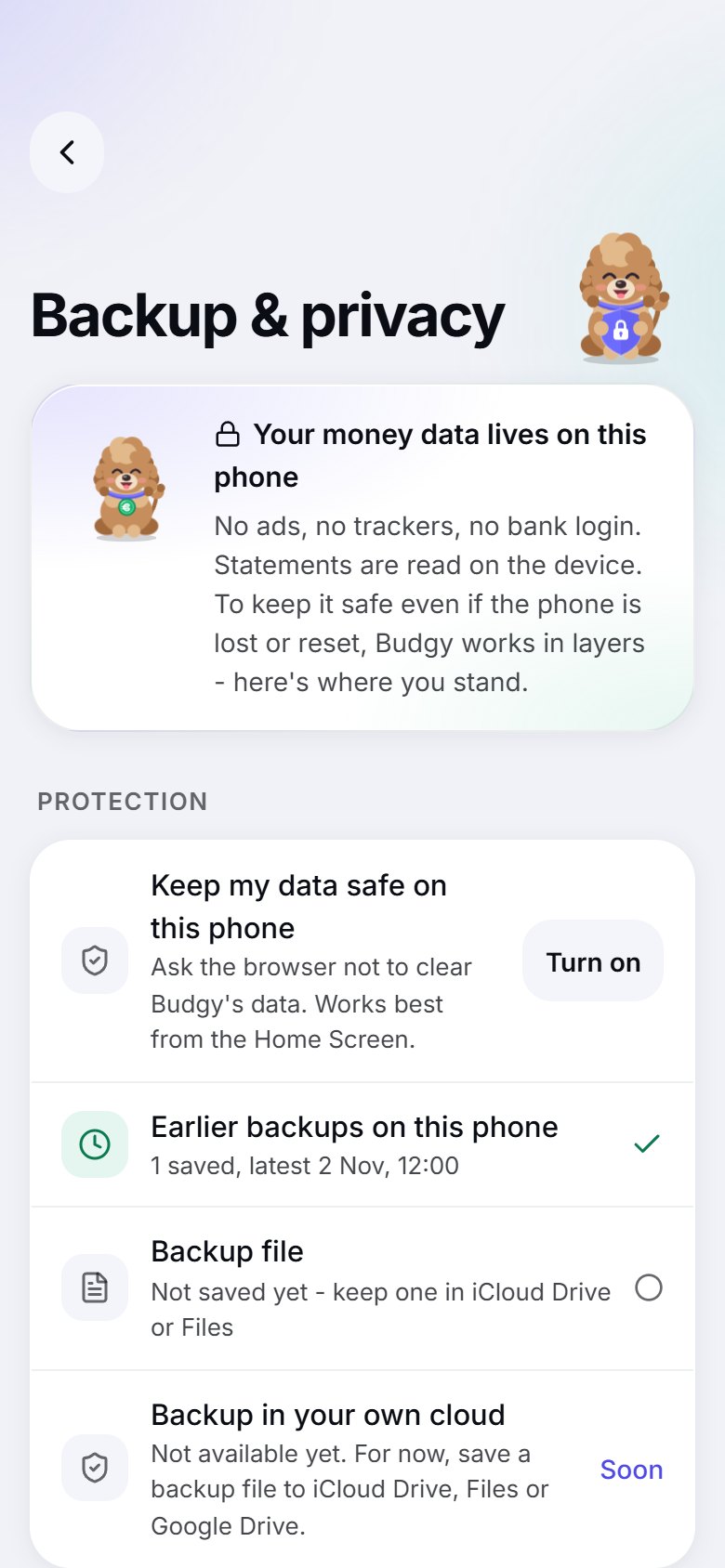
Earlier backups

Budgy keeps safety copies on your phone, so a bad import is one tap from undone.

Budgy's tone of voice*

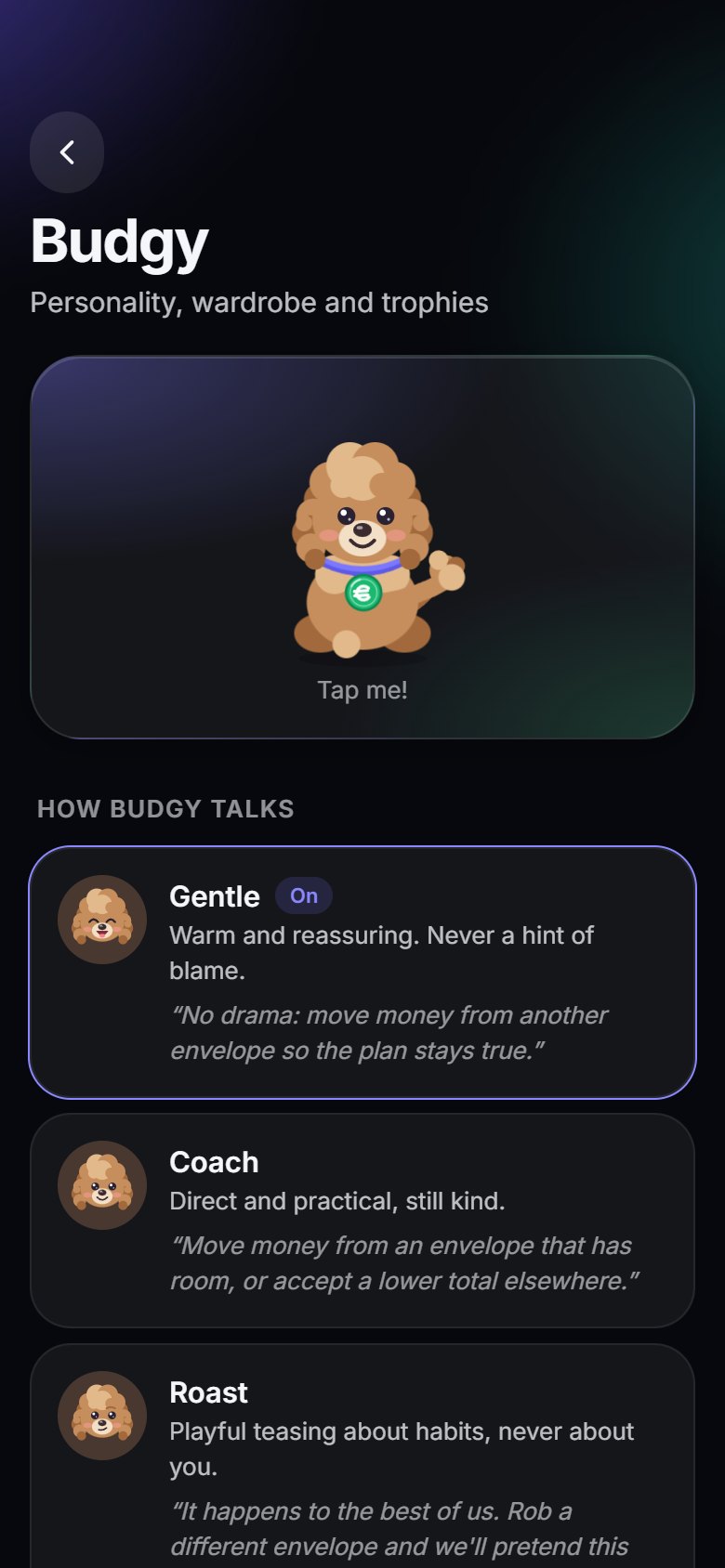
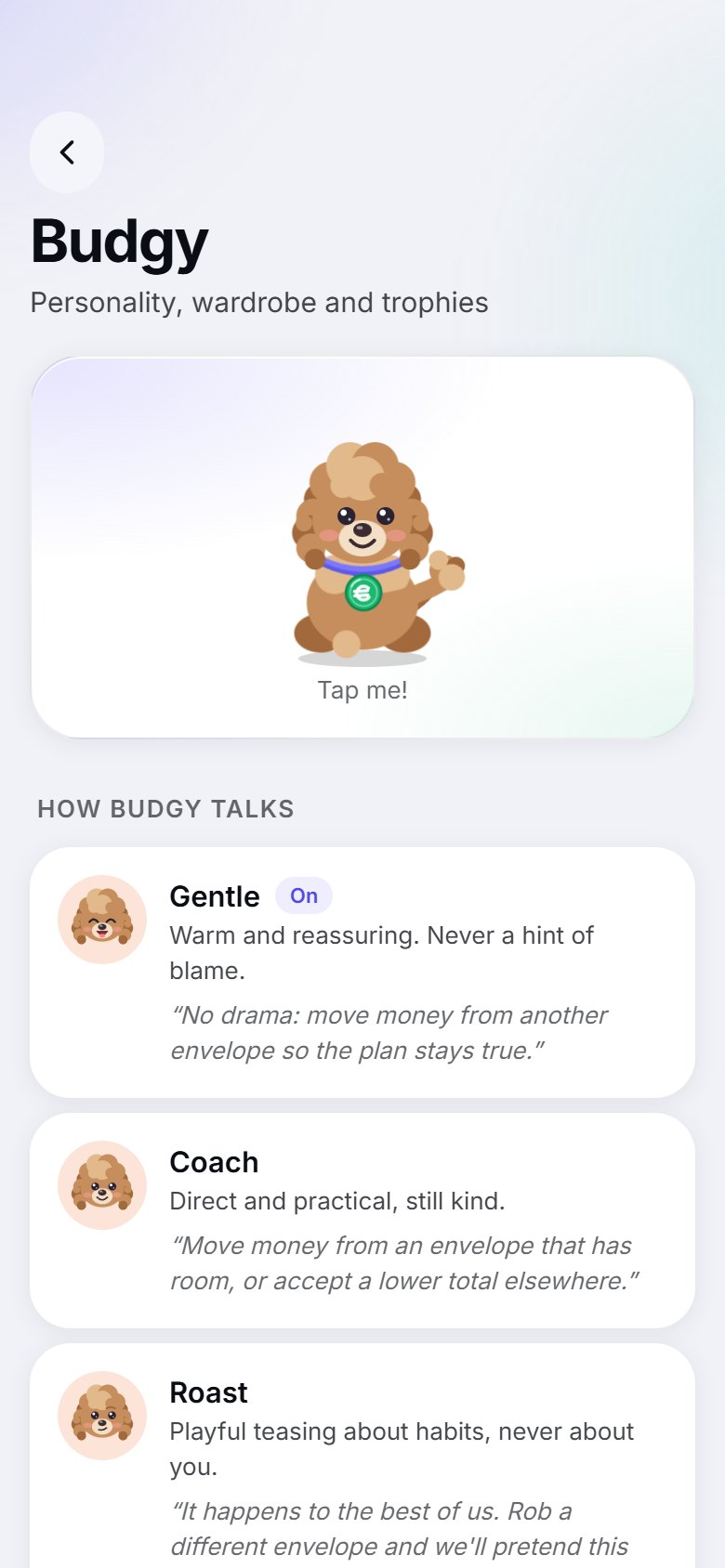
Gentle, coach or playful roast: choose how your poodle talks to you. Gentle is free; the other personalities and the full wardrobe come with Pro.

Household sharing*

Invite a partner, flatmate or family: share only what you choose, read-only, and keep one list of shared bills. Needs an account, and it is encrypted on your phones. Whoever starts the household has Pro. The people they invite join free and get the free app plus the shared household; Pro features are unlocked per person.

Free and Pro

Free for everyday budgeting. Pro for more.

Budgy is free to use, with no ads and no tracking. Budgy Pro adds the features marked with an asterisk and helps the app pay for itself.

Free

€0

For everyday budgeting

  • The one number: what is safe to spend today
  • Your plan: bills, savings goals and envelopes
  • Bill calendar, weekly recap and month wrap-up
  • Your first 3 statement imports
  • This month's spending charts
  • Budgy Academy: more than 20 one-minute lessons
  • Trophies, Budgy and all 10 languages
  • Backup file, export and delete your data, always

Budgy Pro

€2.99 / month

or €19.99 / year, with a 7-day free trial on the yearly plan

  • Unlimited statement imports, with PDF and broker files
  • Forecast and “Can I afford it?”
  • Finds repeat payments and subscriptions
  • History, trends, year in review and reports
  • Portfolio tracking inside your net worth
  • Start a household. People you invite join free, and need their own Pro for Pro features
  • All of Budgy's personalities, wardrobe and extras

Prices may differ a little by country. Cancel any time in your App Store or Google Play subscriptions. Your data stays on your phone in both plans.

Screenshots

See it in action

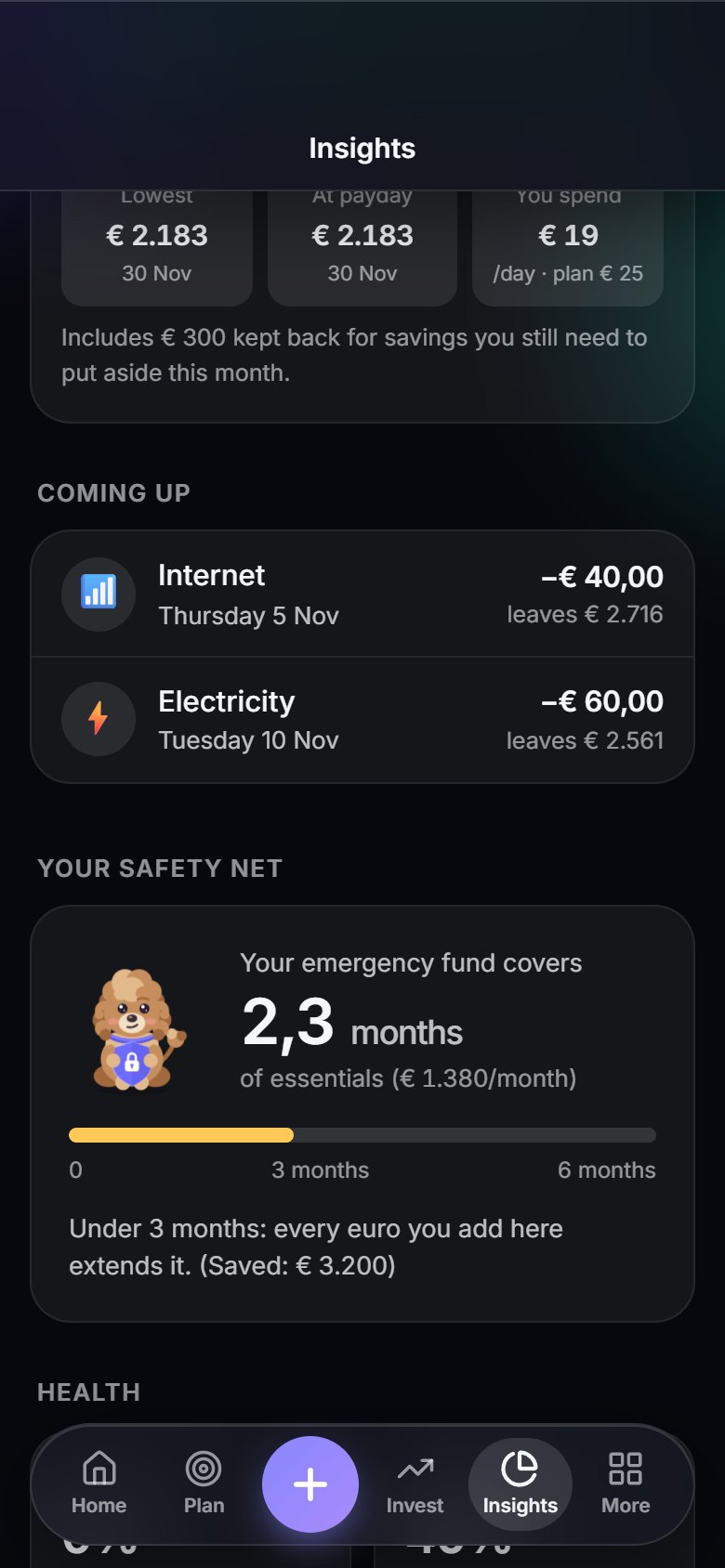
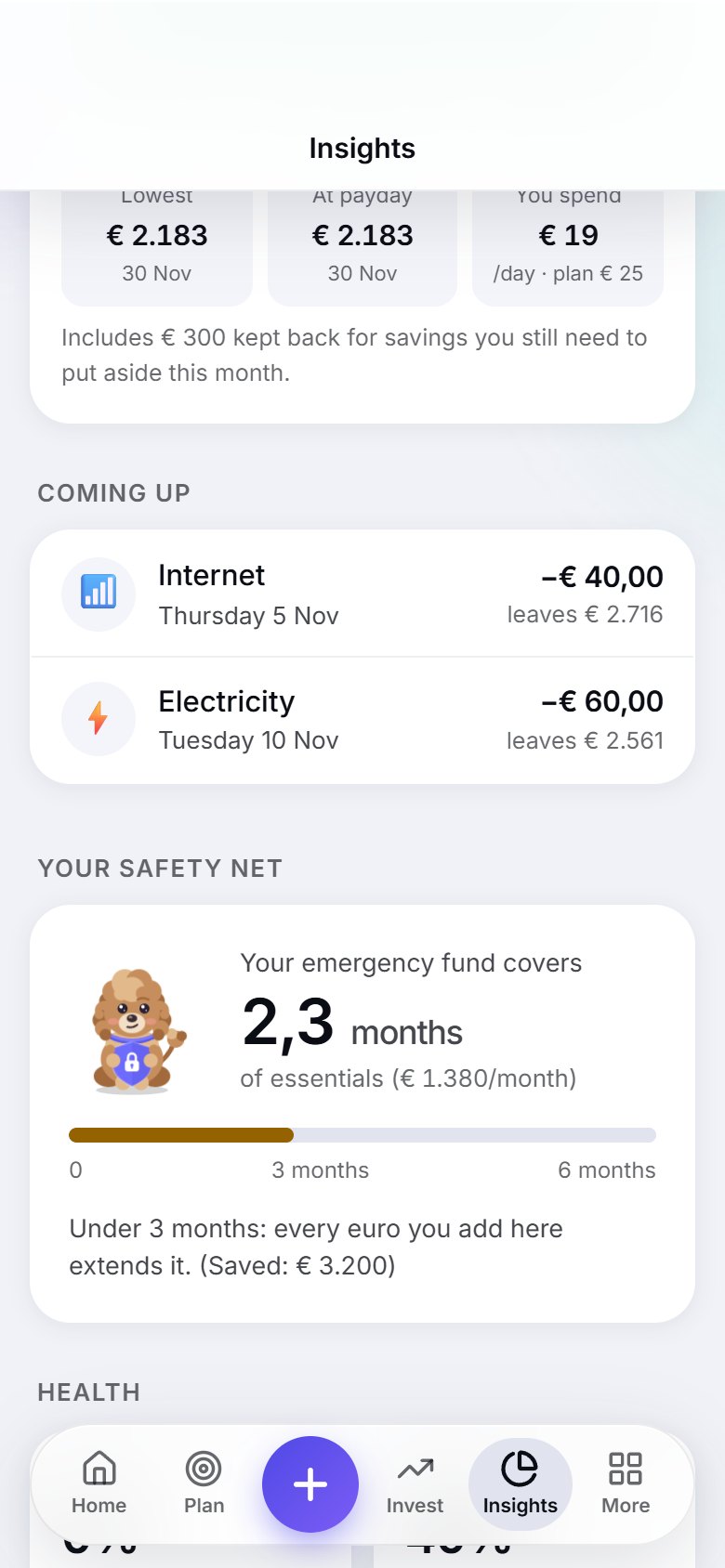
A look at the app in dark and light. Swipe, drag or use the arrows.

Privacy

Your money is nobody's business but yours

Budgy is built so that we could not look at your finances even if we wanted to.

Stays on your phone

Your transactions, balances and plans are stored on the device. There is no server full of everyone's finances.

No bank login

Budgy never asks for your banking credentials. You bring in statements yourself, and they are checked and read on the phone.

Backups you control

Save a backup file to iCloud Drive, Files or Google Drive yourself. Budgy keeps earlier copies on your phone for mistakes, and never stores a backup for you.

Delete it all, any time

Erase the phone data or delete your account and every backup from inside the app. No forms, no waiting.

Sign in is optional

Use Budgy as a guest. Sign in with Google only if you want to share with a household (what you share is encrypted on your phone first). Either way there are no ads and no trackers: the app makes no contact with analytics or advertising services at all. Read the details in the Privacy Policy.

FAQ

Questions, answered

Is Budgy free?

Yes, the essentials are free, with no ads and no tracking: the one number, your plan, the calendar, recaps, trophies and your first 3 statement imports. Budgy Pro (€2.99 a month or €19.99 a year) unlocks the features marked with * on this page.

What does Budgy Pro include?

Unlimited statement imports, the forecast and “Can I afford it?”, the subscription finder, history, trends and reports, portfolio tracking, starting a household (the people you invite join free, and need their own Pro only for the Pro features) and extra personalities and wardrobe. You can try the yearly plan free for 7 days and cancel any time in your App Store or Google Play subscriptions.

Does Budgy connect to my bank?

No, on purpose. You type in purchases or import the statement you download from your bank (CSV, OFX/QFX, QIF, camt.053 XML or PDF). Budgy reads the file on your phone, never uploads it and never asks for a bank login.

My bank shows a different amount than Budgy. How do I fix it?

Open Add and look at the line "Budgy has ..." under the keys. Tap Use to start from Budgy's number, tap the minus key and type what your bank shows. Budgy logs the difference as an expense. If your bank holds more than Budgy, it says so and offers to add the difference as income instead. The same keypad does plus, times and divide, so you can also type something like 85,40 ÷ 2. On a wallet, Match your bank does the same in one step.

Does Budgy know where I live or look up energy prices?

No. For gas and electricity you type what you pay each month, a meter reading and the price per kWh from your own bill (or let Budgy work the price out from your yearly bill). Everything stays on your phone, and nothing is looked up from your address. If your provider changes the price, you update it in the meter's settings.

Where is my data stored?

On your phone. Budgy has no server full of everyone's finances and never stores your backups. If you start or join a household, what you share is encrypted on your phone before it is sent, so nobody, including us, can read it.

Do I need an account?

No. Everything works as a guest. An account is only needed for household sharing. For now you sign in with Google. You can sign in later at any time.

How can I send feedback or an idea?

In the app, open More > Me > Feedback & rating, pick a type, write your message and send it from your own email app. You choose whether to include basic technical info such as the app version and phone type, and you can see exactly what is added first. Budgy never sends anything in the background.

Is there an age limit?

As a guest, no: anyone can use Budgy and nothing about you is sent to us. Budgy is not designed for children under 13, so younger users should use it together with a parent or guardian. To create an account, which only adds the optional encrypted backup, you must be 16 or older; younger users can save backup files instead.

What if I lose my phone?

Save a backup file to iCloud Drive, Files or Google Drive from time to time, and restore it on the new phone. Budgy also keeps earlier backups on the phone for mistakes.

Which banks and countries does it work with?

Budgy starts from the euro and lets you pick from 54 currencies in Settings. The app speaks English, Italian, German, Spanish, French, Portuguese, Russian, Chinese, Japanese and Korean, and follows your phone's language. Statement import works with any bank that lets you download CSV, OFX/QFX, QIF or camt.053 files, including the usual US, UK and European layouts. If Budgy can't tell which column is which, it asks you once and can remember the answer. PDF reading is best effort.

When can I get it?

Budgy is coming soon. It starts as an app you add to your Home Screen from the browser, on iPhone or Android. App Store and Google Play versions are not available yet. This page will say when Budgy is live.

Does Budgy tell me what to invest in?

No, and on purpose. Budgy gives no investment advice and recommends no products or providers. It does arithmetic on the numbers you enter: what your month leaves after bills, goals and the days until payday. What to buy, or whether to invest at all, is for you, or a licensed adviser, to decide. Budgy also has no live prices and no broker link: you type in what your holdings are worth, or pick a statement file from your broker, about once a month.

Can I import a statement from my broker?

Yes, for what you own. Under Invest > What you own, choose Import a statement and pick a transactions CSV (Scalable Capital-style), a portfolio statement PDF or a holdings CSV. Budgy reads it on your phone and sets how many units you hold and what they are worth, as a snapshot. It adds no payments (your bank import already has those) and values from a transactions file are the last prices in the file, not today's. This is new and not yet checked against many real exports, so you see the result and can correct it before anything is saved.

Is Budgy financial advice?

No. Budgy is a planning and record-keeping tool. Its numbers and tips depend on what you enter, so check important figures yourself. Investments can lose value.

Can I share my budget with my partner or a flatmate?

Yes, if you are signed in. The person who starts the household needs Pro. The people they invite join free and use the free app plus the shared household; each person needs their own Pro for the Pro features. Start a household under More > Household and send an invite link (it works once and runs out after two days); up to six people can be in one. Nothing is shared by default: you choose what the others see, either by making an account a joint account or by switching on "Share with household" for a single expense. Shared bills like rent are one list that both of you can change, and Home has a Me | Us switch that shows what you can safely spend together and who paid what. Everything is encrypted on your phones before it is sent: our server only holds scrambled data it cannot read, and you can leave or delete the household at any time.

How do I delete my data?

In the app: More > Me > Account > Delete account removes your account and anything you shared with a household, and More > Me > Backup & privacy > Erase everything clears the phone. More on the Delete my data page.

Plan every euro

Budgy is coming soon, first as an app you add to your Home Screen from the browser. App Store and Google Play versions are not available yet. This page will say when Budgy is live.

Download on theApp StoreLaterGet it onGoogle PlayLater